Terrain splitter
An asset by Stand43
Install Asset
Install via Godot
To maintain one source of truth, Godot Asset Library is just a mirror of the old asset library so you can download directly on Godot via the integrated asset library browser
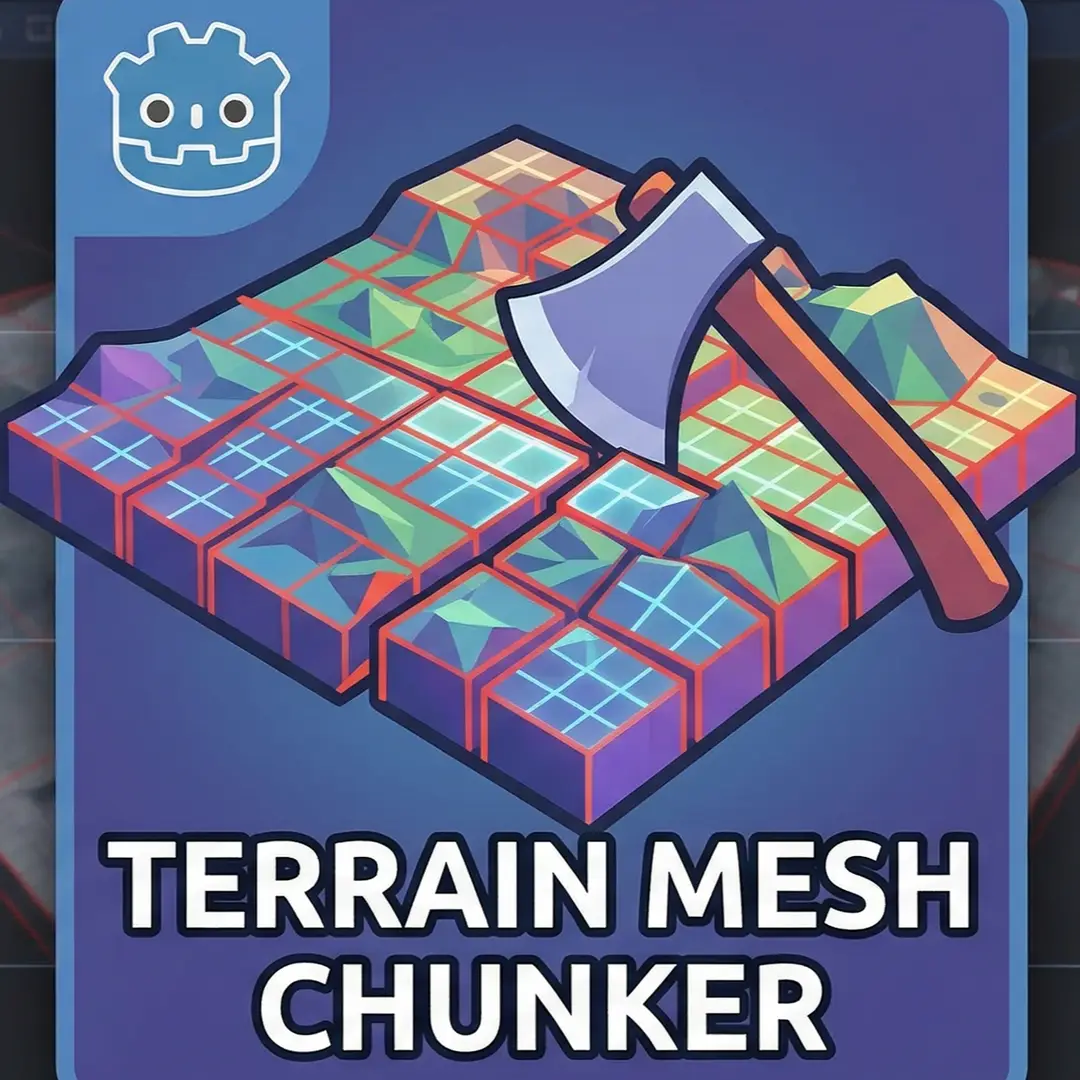
Quick Information

Terrain splitter
A lightweight Godot 4 editor add-on that takes a single, massive MeshInstance3D and seamlessly slices it into a grid of smaller, optimized chunks directly within the editor. How to use:Select any MeshInstance3D node in your scene tree.Look at the top of your 3D Viewport (next to the Translate/Rotate/Scale tools) and click the new Split Terrain button.A menu will pop up. Enter the number of chunks you want for the X and Z axes.Check Make static bodies if you want collision shapes generated for the chunks (highly recommended for walkable terrain).Click OK.The addon will calculate the bounds, slice the triangles, re-index the vertices to save memory, and spawn the new chunks as children of your original mesh.
Supported Engine Version
4.0
Version String
1.0
License Version
MIT
Support Level
community
Modified Date
4 months ago
Git URL
Issue URL
⛰️ Terrain Splitter for Godot 4
Made with AI.
A lightweight Godot 4 editor add-on that takes a single, massive MeshInstance3D (like an imported terrain from Blender) and seamlessly slices it into a grid of smaller, optimized chunks directly within the editor. Why use this?
When working with large 3D environments, using a single massive mesh for your terrain is bad for performance. It prevents Godot's frustum culling from working effectively (if you look at one corner of the map, the entire map is rendered) and creates massive, inefficient physics collision shapes.
Usually, the solution is to manually slice your terrain into a grid in Blender before exporting. Terrain Splitter eliminates that headache by letting you do it instantly inside Godot with full Undo/Redo support. ✨ Features
In-Editor Splitting: Adds a "Split Terrain" button directly to the 3D Viewport toolbar when a MeshInstance3D is selected.

Custom Grid Sizes: Choose exactly how many chunks you want along the X and Z axes.

Automatic Collisions: One-click option to automatically generate StaticBody3D and precise CollisionShape3D trimeshes for every generated chunk.

Material Retention: Automatically carries over the original mesh's material overrides to the new chunks.

Non-Destructive & Safe: The new chunks are generated as children of your original mesh. Full Godot UndoRedo integration means you can press Ctrl + Z to instantly revert the split if you don't like the result.
📦 Installation
Download this repository or clone it.

Move the addons/terrain_splitter folder into your Godot project's res://addons/ directory.

Open your Godot project and go to Project > Project Settings > Plugins.

Find Terrain Splitter in the list and check the Enable box.
🚀 How to Use
Select any MeshInstance3D node in your scene tree.

Look at the top of your 3D Viewport (next to the Translate/Rotate/Scale tools) and click the new Split Terrain button.

A menu will pop up. Enter the number of chunks you want for the X and Z axes.

Check Make static bodies if you want collision shapes generated for the chunks (highly recommended for walkable terrain).

Click OK.

The addon will calculate the bounds, slice the triangles, re-index the vertices to save memory, and spawn the new chunks as children of your original mesh.

(Optional) You can now hide the original mesh by clicking the eye icon in the scene tree to only view and render the optimized chunks!
📄 License
This project is licensed under the MIT License - see the LICENSE file for details.
A lightweight Godot 4 editor add-on that takes a single, massive MeshInstance3D and seamlessly slices it into a grid of smaller, optimized chunks directly within the editor.
How to use:
Select any MeshInstance3D node in your scene tree.
Look at the top of your 3D Viewport (next to the Translate/Rotate/Scale tools) and click the new Split Terrain button.
A menu will pop up. Enter the number of chunks you want for the X and Z axes.
Check Make static bodies if you want collision shapes generated for the chunks (highly recommended for walkable terrain).
Click OK.
The addon will calculate the bounds, slice the triangles, re-index the vertices to save memory, and spawn the new chunks as children of your original mesh.
Reviews
Quick Information
Terrain splitter
A lightweight Godot 4 editor add-on that takes a single, massive MeshInstance3D and seamlessly slices it into a grid of smaller, optimized chunks directly within the editor. How to use:Select any MeshInstance3D node in your scene tree.Look at the top of your 3D Viewport (next to the Translate/Rotate/Scale tools) and click the new Split Terrain button.A menu will pop up. Enter the number of chunks you want for the X and Z axes.Check Make static bodies if you want collision shapes generated for the chunks (highly recommended for walkable terrain).Click OK.The addon will calculate the bounds, slice the triangles, re-index the vertices to save memory, and spawn the new chunks as children of your original mesh.
Supported Engine Version
4.0
Version String
1.0
License Version
MIT
Support Level
community
Modified Date
4 months ago
Git URL
Issue URL