Sky3D
An asset by TokisanGames
Install Asset
Install via Godot
To maintain one source of truth, Godot Asset Library is just a mirror of the old asset library so you can download directly on Godot via the integrated asset library browser
Quick Information

Sky3D
A dynamic day/night cycle for Godot Engine 4, written in GDScript.Features:* Supports Godot 4.3+, Forward, Mobile, and Compatibility renderers* Automatically rotating sun, moon, and stars, with moon phases* Dynamic atmosphere, fog, and clouds that change with the day cycle* Consolidated controls to manage lighting and camera exposure* Management of game time: current time, day length, day or nightRelease Notes:https://github.com/TokisanGames/Sky3D/releases/tag/v2.1.0Requirements:* Supports Godot 4.3+Installation:After downloading this asset, restart, then enable the plugin in Project Settings/Plugins.See full installation and usage instructions:https://github.com/TokisanGames/Sky3D#installation
Supported Engine Version
4.3
Version String
2.1
License Version
MIT
Support Level
community
Modified Date
1 month ago
Git URL
Issue URL

Sky3D
A dynamic day/night cycle for Godot Engine 4, written in GDScript.
Features
- Supports Godot 4.3+, Forward, Mobile, and Compatibility renderers
- Automatically rotating sun, moon, and stars, with moon phases
- Dynamic atmosphere, fog, and clouds that change with the day cycle
- Consolidated controls to manage lighting and camera exposure
- Management of game time: current time, day length, day or night
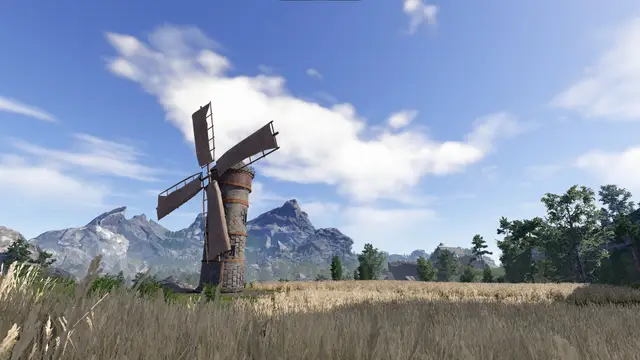
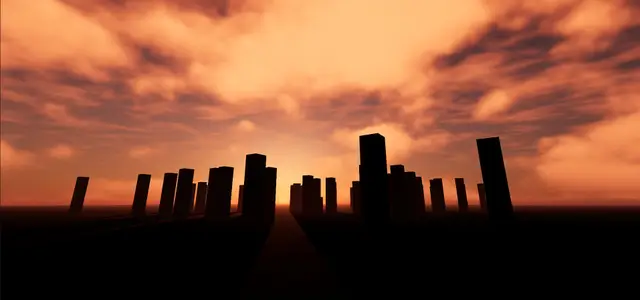
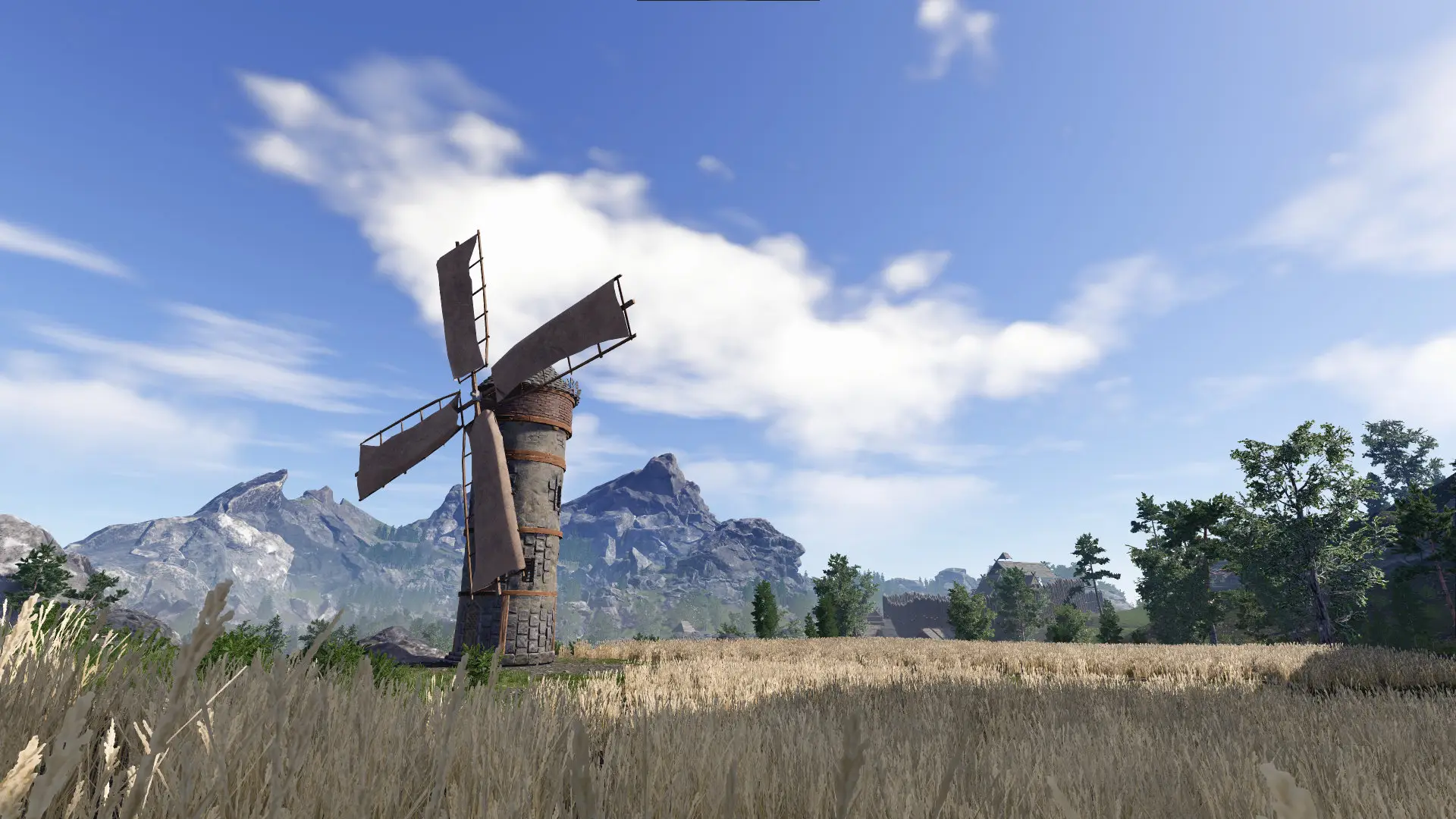
Screenshots


Installation
- Clone or download the repository.
- Open the project in Godot and run
demo/Sky3DDemo.tscnto test it. - Copy
addons/sky_3dinto your projectaddonsdirectory. Create the folder if missing. - Open
Project -> Project Settings -> Pluginsand enable the plugin.
Usage
- Create or open a Scene.
- Remove any existing
WorldEnvironmentnode. - Create a new
Sky3Dnode. - Customize the settings of the
Sky3D,Sky3D/Environment,TimeOfDay,SkyDome,SunLight, andMoonLightnodes. Some settings like light energy, color, and angle are driven by Sky3D and not directly changeable on the light nodes. You'll know if they are reset on time updates. Adjust those settings inSky3DorSkyDome.
Compatibility Renderer Note
This render needs a bit of adjustment to show similar results to Vulkan:
Sky3D / Sky Contribution = 0.75SkyDome / Fog / Fog Density = 0.01
Documentation
The documentation is built in to Godot. Look for tooltips in the inspector where available, or press F1 and search for Sky3D, SkyDome, TimeOfDay.
Support
For support, join our Discord server.
Credit
Developed for the Godot community by:
| Cory Petkovsek, Tokisan Games |      |
And all of the wonderful contributors shown in the right sidebar of the github repository.
The original version of this plugin, TimeOfDay v1, was made by J. Cuéllar for Godot 3. You can find it in the godot3 branch. The original repository was deleted. We revived it, ported the GDScript version to Godot 4, and have continued to build on it to produce Sky3D.
License
This addon has been released under the MIT License.
If using the star map assets, you must credit the author.
A dynamic day/night cycle for Godot Engine 4, written in GDScript.
Features:
* Supports Godot 4.3+, Forward, Mobile, and Compatibility renderers
* Automatically rotating sun, moon, and stars, with moon phases
* Dynamic atmosphere, fog, and clouds that change with the day cycle
* Consolidated controls to manage lighting and camera exposure
* Management of game time: current time, day length, day or night
Release Notes:
https://github.com/TokisanGames/Sky3D/releases/tag/v2.1.0
Requirements:
* Supports Godot 4.3+
Installation:
After downloading this asset, restart, then enable the plugin in Project Settings/Plugins.
See full installation and usage instructions:
https://github.com/TokisanGames/Sky3D#installation
Reviews
Quick Information
Sky3D
A dynamic day/night cycle for Godot Engine 4, written in GDScript.Features:* Supports Godot 4.3+, Forward, Mobile, and Compatibility renderers* Automatically rotating sun, moon, and stars, with moon phases* Dynamic atmosphere, fog, and clouds that change with the day cycle* Consolidated controls to manage lighting and camera exposure* Management of game time: current time, day length, day or nightRelease Notes:https://github.com/TokisanGames/Sky3D/releases/tag/v2.1.0Requirements:* Supports Godot 4.3+Installation:After downloading this asset, restart, then enable the plugin in Project Settings/Plugins.See full installation and usage instructions:https://github.com/TokisanGames/Sky3D#installation
Supported Engine Version
4.3
Version String
2.1
License Version
MIT
Support Level
community
Modified Date
1 month ago
Git URL
Issue URL