Credits Template
An asset by falme
Install Asset
Install via Godot
To maintain one source of truth, Godot Asset Library is just a mirror of the old asset library so you can download directly on Godot via the integrated asset library browser
Quick Information

Credits Template
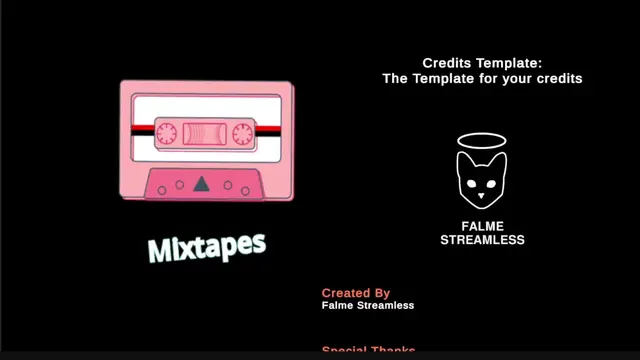
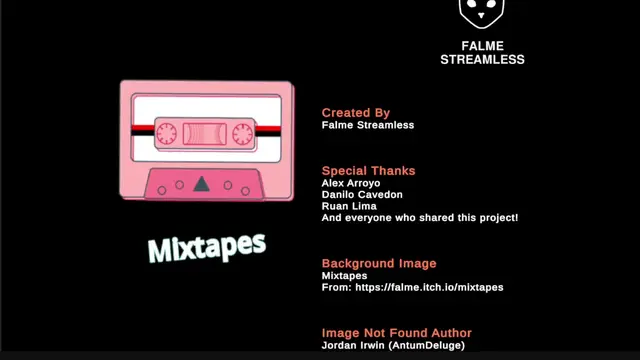
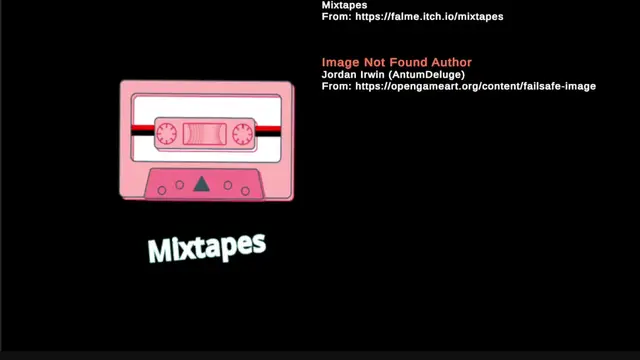
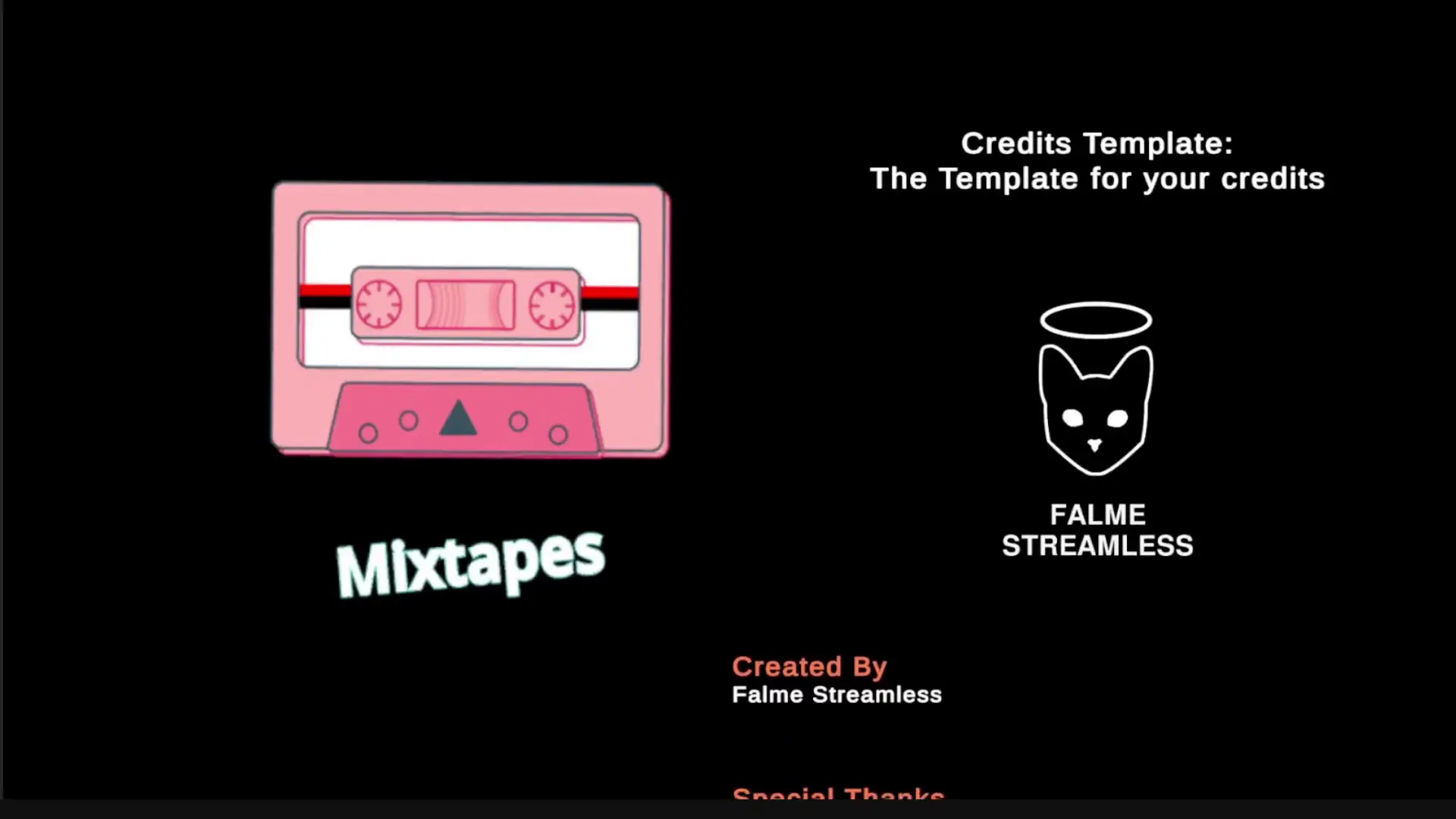
A Template of Credits Interface for your game (in Godot Engine) with the information being loaded from a JSON.Why?Every game should have a credits screen, even if the game was developed by one person, the creators of the media should be credited. The problem is that we always need to create a new scene for credits in each game, and the credits screen is always different, because each game is different.So, with that in mind, I didn't create a proper scene for the credits, but an interface template for easy ready-to-go credits.
Supported Engine Version
4.5
Version String
0.8.2
License Version
Proprietary
Support Level
community
Modified Date
4 months ago
Git URL
Issue URL
Credits Template : Godot Edition
A Template of Credits Interface for your game (in Godot Engine) with the informations being loaded from a JSON.
Why?
Every game should have a credits screen, even if the game was developed by one person, the creators of the media should be credited. The problem is that we always need to create a new scene for credits in each game, and the credits screen is always different, because each game is different.
So, with that in mind, I didn't create a proper scene for the credits, but an interface template for easy ready-to-go credits.
Quickstart
Download the latest credits-godot-x-x-x.zip at the Releases Page and extract it to the res:// folder in your Godot project.
Alternatively, now you can download the template directly from the Godot Asset Library by the name Credits Template at the tools section.
You should have a new folder in the following path: res://addons/credits-template .
Now, if you want an example of how it works, I have a scene at credits-template/scenes/credits-example.tscn (if you prefer to learn by example).
Either way, the template can be found at credits-template/prefabs/credits.tscn, this is the main template. To use it, just add it as a child of a Control node, because the template is 100% interface/Control herited.
To change the content in the credits roll, you will need to change the JSON file at credits-template/data/credits.json. I decided to put the information in a json file, so not only the devs could modify the file, but anyone from the team.
The next section we will be explaining in more details the JSON structure.
JSON Structure
I will write down an example of credits, and explain with more details each one of them.
{
    "version": "0.0.1",
    "velocity": 100.0,
    "items": [
        {
            "type": "title",
            "text": "Super Jump Game 2: \nThe Electric Boogaloo"
        },
        {
            "type": "space",
            "height": 100.0
        },
        {
            "type": "image",
            "path": "sprites/example_image.png",
            "height": 400
        },
        {
            "type": "category",
            "text": "Created By"
        },
        {
            "type": "actor",
            "actors": [
                "Falme Streamless"
            ]
        },
        {
            "type": "space",
            "height": 100.0
        },
        {
            "type": "category",
            "text": "Special Thanks"
        },
        {
            "type": "actor",
            "actors": [
                "Alex Arroyo",
                "Danilo Cavedon",
                "Ruan Lima",
                "And everyone who shared this project!"
            ]
        }
    ]
}
From top to bottom, we will explain each field.
- version : If you want to track the credits version for your game (doesn't show on screen)
- velocity : Velocity of the credits scrolling, speed of movement
- items : Array of each item object that can be added to the credits
- title : Special text, usually first field of credits and normally the name of the game
- image : An image to be added to the credits
- path : Address/path to the image (base is "res://")
- height : height of the image to be displayed, width is proportional to the original size
- space : empty space, a margin between a label and other label
- height : height of the space to be displayed
- category : the role title
- actor : Names, those who worked in the project at the specified role above
- actors : Array of names, try not putting too many names in one array, divide for better performance
A Template of Credits Interface for your game (in Godot Engine) with the information being loaded from a JSON.
Why?
Every game should have a credits screen, even if the game was developed by one person, the creators of the media should be credited. The problem is that we always need to create a new scene for credits in each game, and the credits screen is always different, because each game is different.
So, with that in mind, I didn't create a proper scene for the credits, but an interface template for easy ready-to-go credits.
Reviews
Quick Information
Credits Template
A Template of Credits Interface for your game (in Godot Engine) with the information being loaded from a JSON.Why?Every game should have a credits screen, even if the game was developed by one person, the creators of the media should be credited. The problem is that we always need to create a new scene for credits in each game, and the credits screen is always different, because each game is different.So, with that in mind, I didn't create a proper scene for the credits, but an interface template for easy ready-to-go credits.
Supported Engine Version
4.5
Version String
0.8.2
License Version
Proprietary
Support Level
community
Modified Date
4 months ago
Git URL
Issue URL