Qualia's Basic Multipurpose Import Script
An asset by qualia6
Install Asset
Install via Godot
To maintain one source of truth, Godot Asset Library is just a mirror of the old asset library so you can download directly on Godot via the integrated asset library browser
Quick Information

Qualia's Basic Multipurpose Import Script
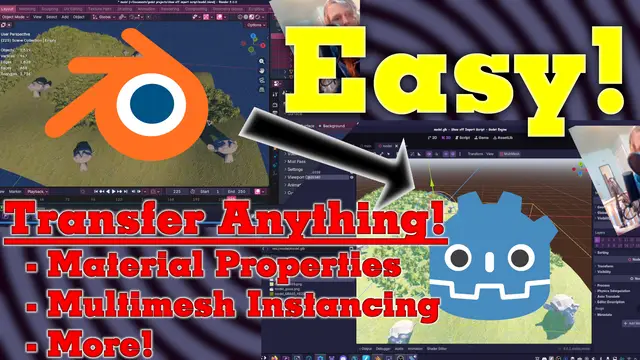
A minimal multipurpose import script.Lets you edit various properties of models exported from blender that you can not traditionally do with the advanced import settings.=== Objectives ===-> Change any property when an object or material as it's imported into godot automatically based on custom property in blender-> Allow for using multimesh-> Optionally change the root node to some child== Install Instructions ==1. Install normally from asset library2. Project > Project Settings > Import Defaults > Importer: Scene > Import Script > Path > set to: res://addons/QImportScript/q_import_script.gd (this will make this apply to all new imported models)3. For all existing models: model's normal import settings > Import Script > Path > set to: res://addons/QImportScript/q_import_script.gd4. Detailed usage instructions are inside of a comment in the script
Supported Engine Version
4.5
Version String
1.1.1
License Version
MIT
Support Level
community
Modified Date
1 month ago
Git URL
Issue URL
A minimal multipurpose import script.
Lets you edit various properties of models exported from blender that you can not traditionally do with the advanced import settings.
=== Objectives ===
-> Change any property when an object or material as it's imported into godot automatically based on custom property in blender
-> Allow for using multimesh
-> Optionally change the root node to some child
== Install Instructions ==
1. Install normally from asset library
2. Project > Project Settings > Import Defaults > Importer: Scene > Import Script > Path > set to: res://addons/QImportScript/q_import_script.gd (this will make this apply to all new imported models)
3. For all existing models: model's normal import settings > Import Script > Path > set to: res://addons/QImportScript/q_import_script.gd
4. Detailed usage instructions are inside of a comment in the script
Reviews
Quick Information
Qualia's Basic Multipurpose Import Script
A minimal multipurpose import script.Lets you edit various properties of models exported from blender that you can not traditionally do with the advanced import settings.=== Objectives ===-> Change any property when an object or material as it's imported into godot automatically based on custom property in blender-> Allow for using multimesh-> Optionally change the root node to some child== Install Instructions ==1. Install normally from asset library2. Project > Project Settings > Import Defaults > Importer: Scene > Import Script > Path > set to: res://addons/QImportScript/q_import_script.gd (this will make this apply to all new imported models)3. For all existing models: model's normal import settings > Import Script > Path > set to: res://addons/QImportScript/q_import_script.gd4. Detailed usage instructions are inside of a comment in the script
Supported Engine Version
4.5
Version String
1.1.1
License Version
MIT
Support Level
community
Modified Date
1 month ago
Git URL
Issue URL