Sprite Fusion
An asset by HugoDzz
Install Asset
Install via Godot
To maintain one source of truth, Godot Asset Library is just a mirror of the old asset library so you can download directly on Godot via the integrated asset library browser
Quick Information

Sprite Fusion
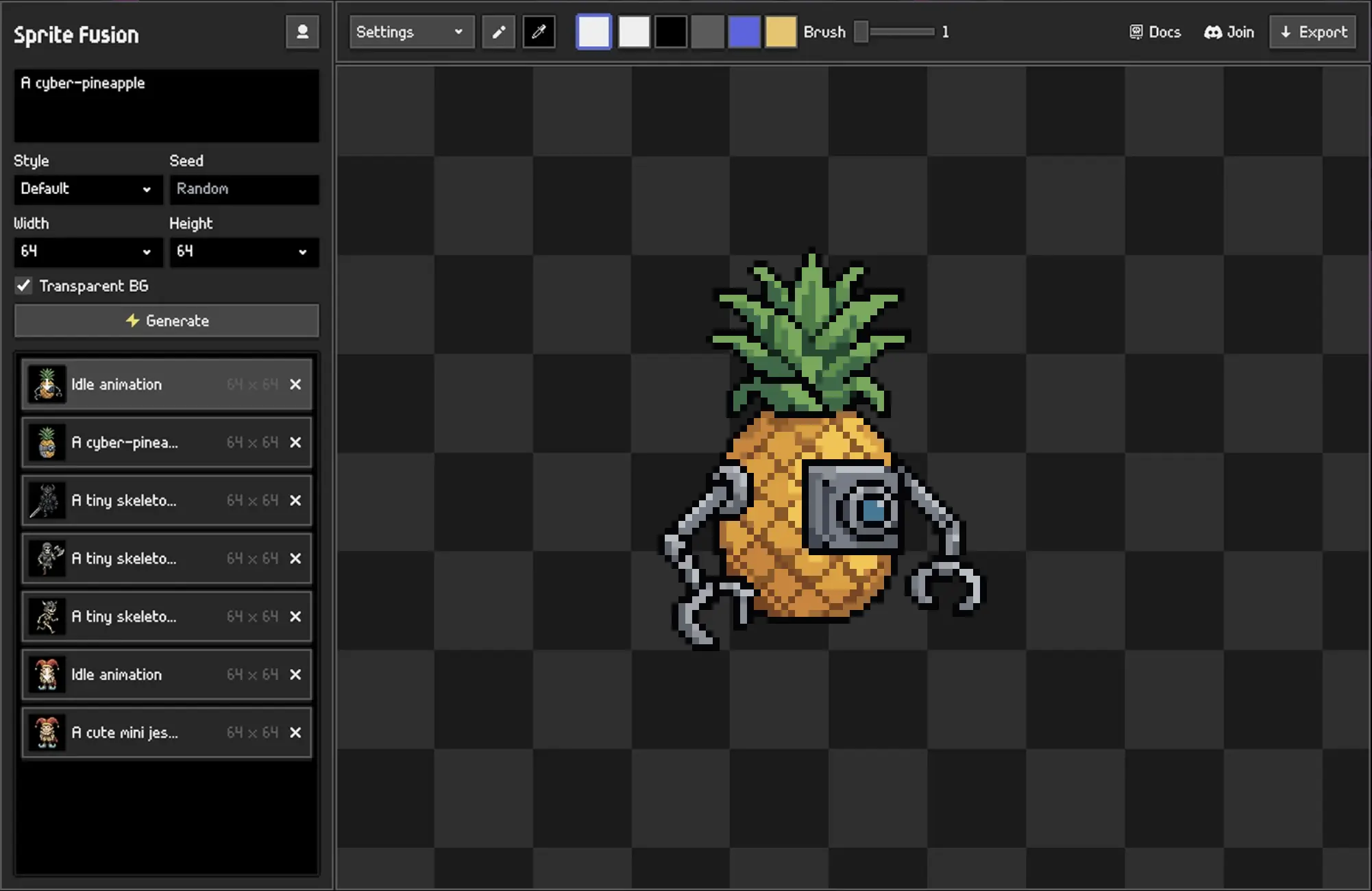
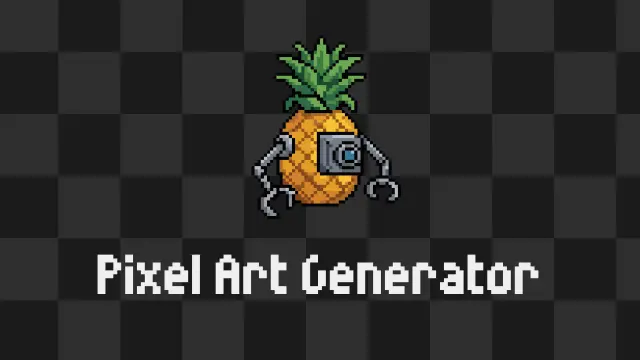
This is the native Godot plugin of the Sprite Fusion tool suite. Use it for generating pixel art sprites and animations directly inside the editor.
Supported Engine Version
4.5
Version String
1.0.0
License Version
MIT
Support Level
community
Modified Date
7 hours ago
Git URL
Issue URL
Sprite Fusion for Godot
Sprite Fusion is a professional pixel-art sprites and animations generator. This is the native plugin for the Godot editor.

Install
- Install the plugin from the Godot Asset Library, or download the latest release from GitHub.
- Copy
addons/spritefusioninto your Godot project if installing manually. - In Godot, open
Project > Project Settings > Plugins. - Enable
Sprite Fusion. - Open the Sprite Fusion dock and connect your account.
Requirements
- Godot 4.x
- Sprite Fusion account
Usage
- Click
Connectin the Sprite Fusion dock. - Approve the device code in your browser.
- Enter a prompt and click
Generate. - Select a generated image, enter an animation prompt, and click
Animate.
Generated assets are written to res://spritefusion/generated.
Useful links
- Website: https://www.spritefusion.com
- Docs: https://www.spritefusion.com/docs/pixel-art-generator/integrations/godot
License
This plugin is licensed under MIT.
This is the native Godot plugin of the Sprite Fusion tool suite. Use it for generating pixel art sprites and animations directly inside the editor.
Reviews
Quick Information
Sprite Fusion
This is the native Godot plugin of the Sprite Fusion tool suite. Use it for generating pixel art sprites and animations directly inside the editor.
Supported Engine Version
4.5
Version String
1.0.0
License Version
MIT
Support Level
community
Modified Date
7 hours ago
Git URL
Issue URL