Procedural-Terrain-Generator-for-Godot
An asset by EmberNoGlow
Install Asset
Install via Godot
To maintain one source of truth, Godot Asset Library is just a mirror of the old asset library so you can download directly on Godot via the integrated asset library browser
Quick Information

Procedural-Terrain-Generator-for-Godot
Procedural terrain generation for Godot 4 based on MeshInstance3D and a height map. Generation is available both in the editor and during execution.Usage1. Attach the terrain_generator.gd script to a MeshInstance3D node.2. Set the Heightmap: Set height map texture (e.g., PNG, JPG, etc.).3. Adjust the Subdivisions property to control the terrain detail. Be careful, as a subdivisions value greater than the map size may result in "steps" on the surface!4. Configure the data saving path if you want to use it in the editor, and click "Generate Landscapes". Now you can generate the landscape in advance and use it without having to generate a mesh every time you run!Tested on Godot 4.4. It’s public domain, so use it however you want!
Supported Engine Version
4.4
Version String
1.0
License Version
CC0
Support Level
community
Modified Date
8 months ago
Git URL
Issue URL
Procedural-Terrain-Generator-for-Godot
Procedural terrain generation for Godot 4 based on MeshInstance3D and a height map.

Usage
- Attach the
terrain_generator.gdscript to a MeshInstance3D node. - Set the Heightmap Path: Specify the path to your height map image file (e.g., PNG, JPG, etc.).
- Configure the Mesh: Ensure the MeshInstance3D uses a PlaneMesh resource.
- Adjust the Subdivisions property to control the terrain detail. Be careful, as a subdivisions value greater than the map size may result in "steps" on the surface!
Tested on Godot 4.4. It’s public domain, so use it however you want!
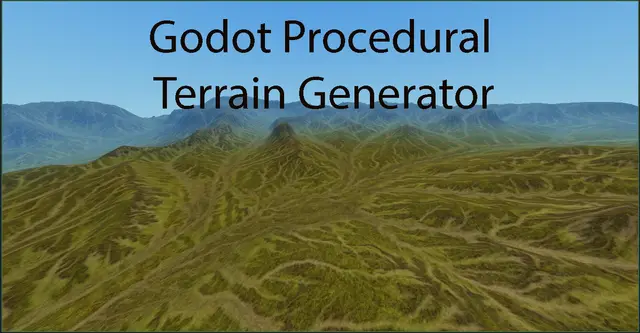
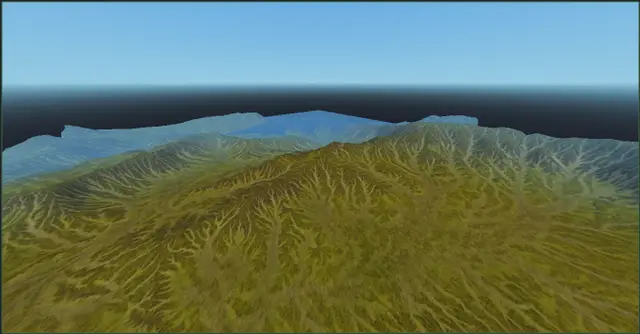
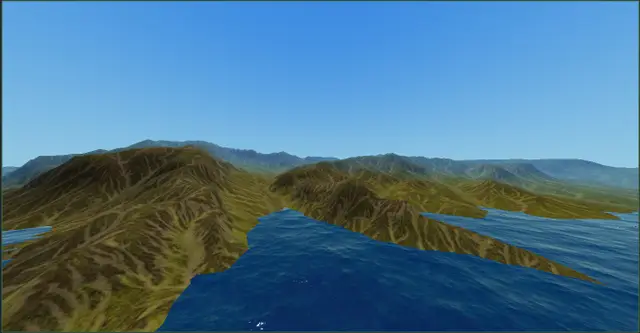
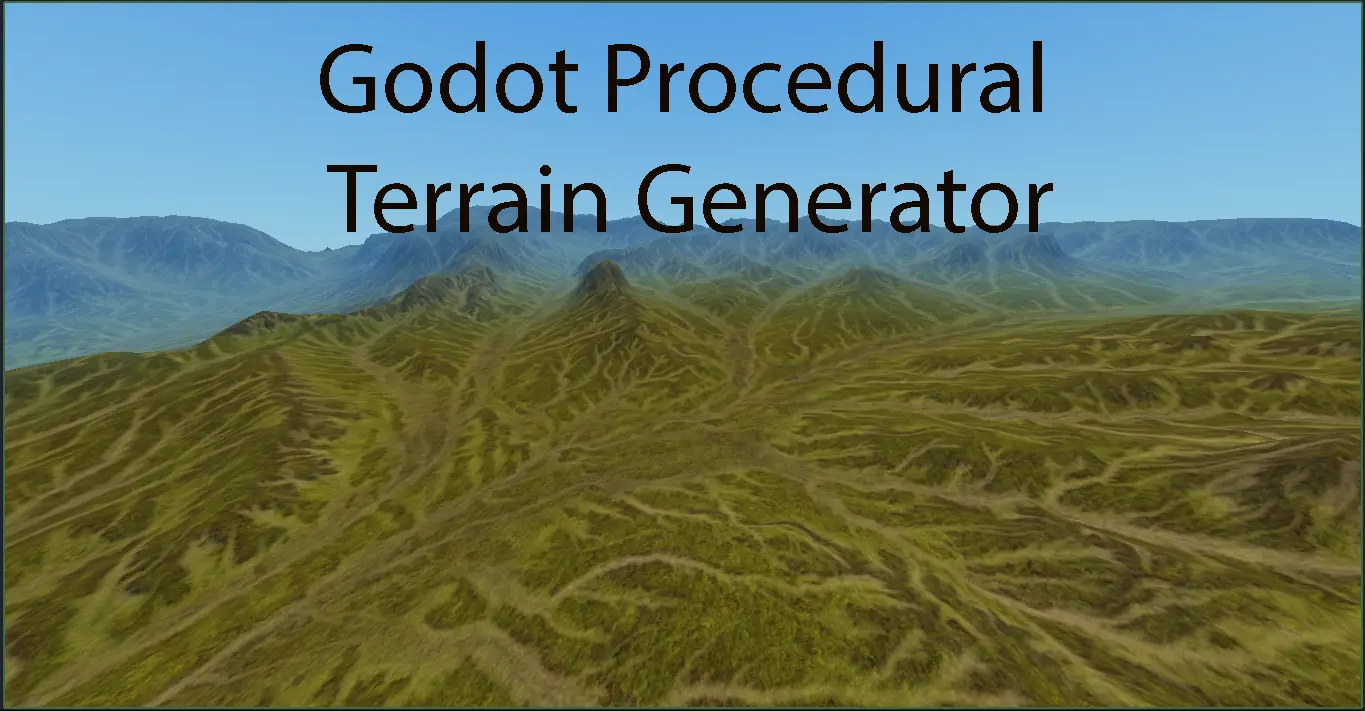
Screenshots
some ugly... but cool, lol


Procedural terrain generation for Godot 4 based on MeshInstance3D and a height map. Generation is available both in the editor and during execution.
Usage
1. Attach the terrain_generator.gd script to a MeshInstance3D node.
2. Set the Heightmap: Set height map texture (e.g., PNG, JPG, etc.).
3. Adjust the Subdivisions property to control the terrain detail. Be careful, as a subdivisions value greater than the map size may result in "steps" on the surface!
4. Configure the data saving path if you want to use it in the editor, and click "Generate Landscapes". Now you can generate the landscape in advance and use it without having to generate a mesh every time you run!
Tested on Godot 4.4. It’s public domain, so use it however you want!
Reviews
Quick Information
Procedural-Terrain-Generator-for-Godot
Procedural terrain generation for Godot 4 based on MeshInstance3D and a height map. Generation is available both in the editor and during execution.Usage1. Attach the terrain_generator.gd script to a MeshInstance3D node.2. Set the Heightmap: Set height map texture (e.g., PNG, JPG, etc.).3. Adjust the Subdivisions property to control the terrain detail. Be careful, as a subdivisions value greater than the map size may result in "steps" on the surface!4. Configure the data saving path if you want to use it in the editor, and click "Generate Landscapes". Now you can generate the landscape in advance and use it without having to generate a mesh every time you run!Tested on Godot 4.4. It’s public domain, so use it however you want!
Supported Engine Version
4.4
Version String
1.0
License Version
CC0
Support Level
community
Modified Date
8 months ago
Git URL
Issue URL