Catenary - Decorative Ropes, Chains, Wires
An asset by 0rangeYouGlad
Install Asset
Install via Godot
To maintain one source of truth, Godot Asset Library is just a mirror of the old asset library so you can download directly on Godot via the integrated asset library browser

Quick Information

Catenary - Decorative Ropes, Chains, Wires
Create decorative ropes, chains, wires, etc that can sway and update in real time using catenary curves.In physics and geometry, a catenary is the curve that an idealized hanging chain or cable assumes under its own weight when supported only at its ends in a uniform gravitational field.Additionally, now supports func_godot with custom catenary point entity FGD files!Based on the original by Donitzo, ported to Godot 4 with some new features by 0rangeYouGlad.
Supported Engine Version
4.6
Version String
2.3.0
License Version
MIT
Support Level
community
Modified Date
1 month ago
Git URL
Issue URL
godot4-catenary
A dynamic catenary node and shader for Godot engine 4 (for hanging chains, ropes etc.).
Also available on the Godot Asset Library.
Ported to Godot 4 from Donitzo's original Godot 3 version with some new features.
In physics and geometry, a catenary is the curve that an idealized hanging chain or cable assumes under its own weight when supported only at its ends in a uniform gravitational field
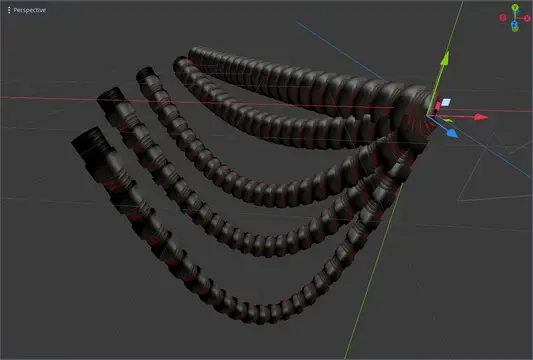
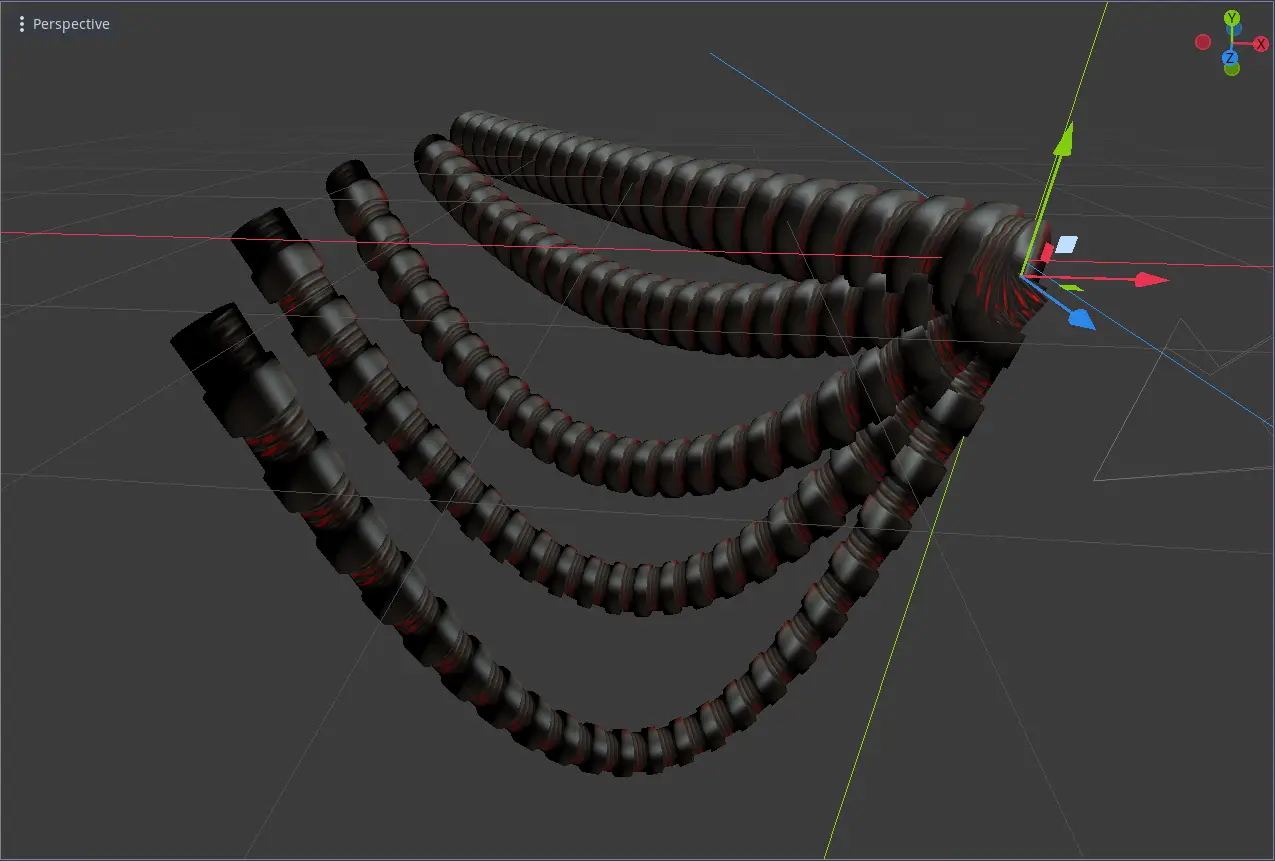
Example of the node in action:

About
The idea came from this excellent tutorial by Alan Zucconi, in which he describes the math behind catenaries. I used these formulas plus some original ideas to implement a new catenary node type in Godot.
Notable improvements are:
- The model will be scaled evenly along the entire curve
- Support for swinging catenaries
- GPU-driven rendering and animations
- func_godot support
How to use
This repository contains a demo Godot project which will demonstrate the usage of the catenary node.
# catenary.gd - The GDScript
# shaders/catenary.tres - The shader
The Catenary node acts as the starting point for the curve. The target path points towards another node which will act as the end point of the curve.
The catenary node can be used ingame or in the editor, as it is a tool.
There are a number of parameters to set before the node works:
# The mesh with the rope-like object spanning the x-axis
mesh

# The end point target
target_path

# Whether to track the target node ingame using process
track_target

# The real-world length of the catenary (limited by the distance between the start/end point)
length

# The scale multiplier of the yz-axes of the mesh
width

# Whether or not to apply the global scale to the width and length
use_scale

# If true, the length will be automatically set to the distance, and the `length` property will be added. Useful for map editors like Trenchbroom that can't easily preview the generated shape.
use_auto_length

# The catenary swing angle in radians
swing_angle

# The catenary swing frequency
swing_frequency
The length parameter adjusts the actual length of the cable/rope. If the length is longer than the distance between the start and end point, the curve will sag.
The func_godot properties can be safely ignored unless using func_godot.

Func_godot Support
godot4-catenary comes with func_godot support out of the box.
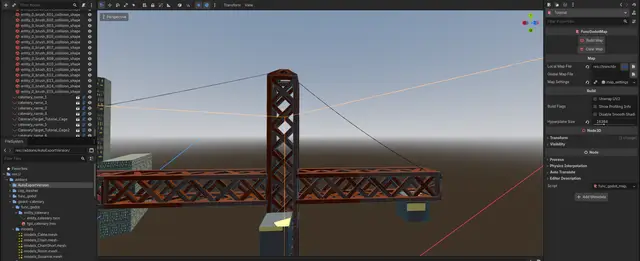
To use it, simply add the godot-catenary/func_godot/entity_catenary/fgd_catenary.fgd FGD file to your FuncGodotFGDFile config file (under the Entity Definitions section.
Export and load this config into your map editor.
The fields needed in your map editor, such as Trenchbroom, are slightly different than in the Godot editor:
# The path to the mesh file
mesh_path

# The name of this catenary node.
targetname

# The name of the target other node.
# Note that the `target` field will search for any node with that name upon func_godot map build, so it can be used with non-catenary targets (e.g. to tie a rope to a prop entity).
target
For convenience, certain fields such as track_target or use_auto_length have different default values when being used via func_godot, due to typical usage being non-tracking map decor.


Last words
I hope you find this tool useful. Please raise an issue if you discover a bug or just have general feedback.
Create decorative ropes, chains, wires, etc that can sway and update in real time using catenary curves.
In physics and geometry, a catenary is the curve that an idealized hanging chain or cable assumes under its own weight when supported only at its ends in a uniform gravitational field.
Additionally, now supports func_godot with custom catenary point entity FGD files!
Based on the original by Donitzo, ported to Godot 4 with some new features by 0rangeYouGlad.
Reviews
Quick Information
Catenary - Decorative Ropes, Chains, Wires
Create decorative ropes, chains, wires, etc that can sway and update in real time using catenary curves.In physics and geometry, a catenary is the curve that an idealized hanging chain or cable assumes under its own weight when supported only at its ends in a uniform gravitational field.Additionally, now supports func_godot with custom catenary point entity FGD files!Based on the original by Donitzo, ported to Godot 4 with some new features by 0rangeYouGlad.
Supported Engine Version
4.6
Version String
2.3.0
License Version
MIT
Support Level
community
Modified Date
1 month ago
Git URL
Issue URL