QImageProcessor
An asset by qualia6
Install Asset
Install via Godot
To maintain one source of truth, Godot Asset Library is just a mirror of the old asset library so you can download directly on Godot via the integrated asset library browser
Quick Information

QImageProcessor
A resource that to automatically generate images based on a shaders in the editor.When any textures sampled in a uniform are modified, the image will be automatically regenerated.=== Use cases ===This can be used as an easy to generate a static image from a shader, or even simply convert image formats and sizes.More practically:This can be used for remapping color channels from multiple images onto a single result (for ORM materials for example).But it can be use for much more advanced procedural effects,anything that you want to run as part of an asset pipeline.=== To use ===1. Create an instance of QImageProcessor where ever you want the generated image to go, named with the name of the image2. (optional) Modify export mode, quality (only used for jpg and webp lossy), resolution3. Create a new shader material (recommended built in, not required)4. you only need the fragment part, add uniforms as you see fit - and plug them in5. (optional) Press 'Manually Process' to generate it now6. If it has not be automatically enabled by this point, be sure that 'Associated' is check - or hot reloading will not work.Deleting the resource will not immediately delete the resource, but everything will be automatically cleaned whenever anything imports.If you want to adjust the order that various image processors are executed consider the resource located at addons/q_image_processor/processors.tresCurrently does not effectively support using assets generated from one being used in other onesHowever it should work - although slower than optimal - as long as there is not a recursive dependence.If you do that you will have a Really Bad Time.
Supported Engine Version
4.4
Version String
1.0.0
License Version
GPLv3
Support Level
community
Modified Date
8 hours ago
Git URL
Issue URL
A resource that to automatically generate images based on a shaders in the editor.
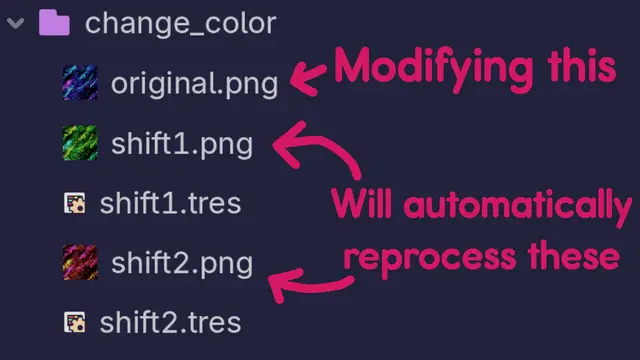
When any textures sampled in a uniform are modified, the image will be automatically regenerated.
=== Use cases ===
This can be used as an easy to generate a static image from a shader, or even simply convert image formats and sizes.
More practically:
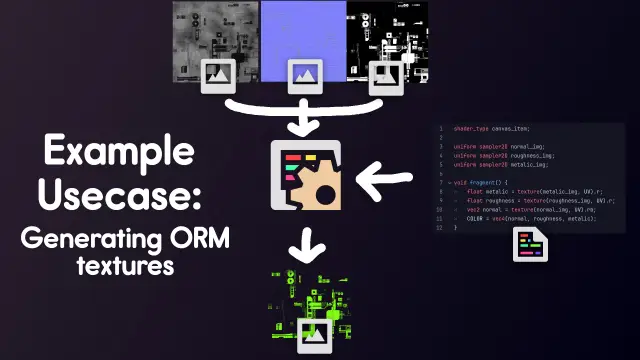
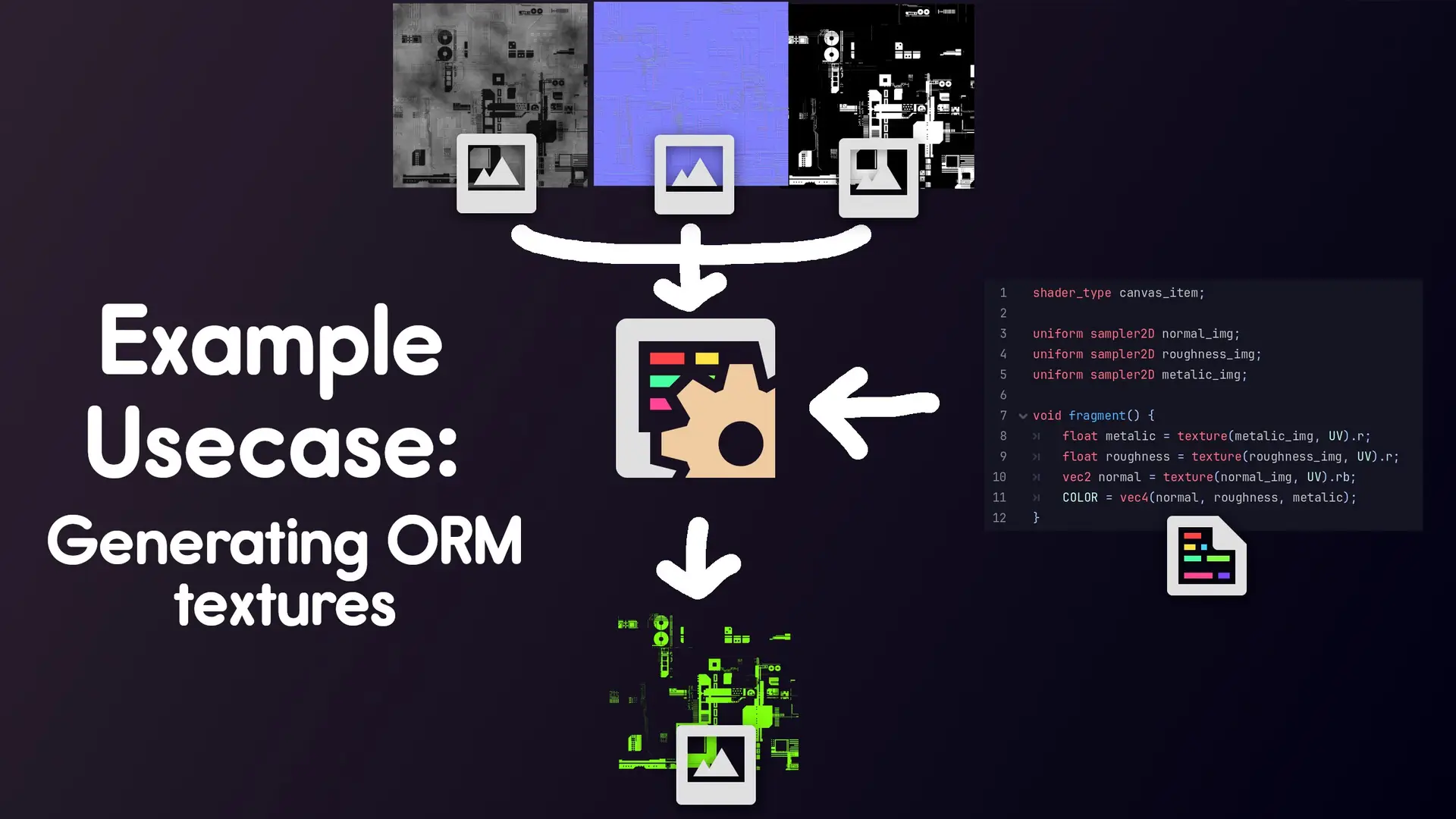
This can be used for remapping color channels from multiple images onto a single result (for ORM materials for example).
But it can be use for much more advanced procedural effects,
anything that you want to run as part of an asset pipeline.
=== To use ===
1. Create an instance of QImageProcessor where ever you want the generated image to go, named with the name of the image
2. (optional) Modify export mode, quality (only used for jpg and webp lossy), resolution
3. Create a new shader material (recommended built in, not required)
4. you only need the fragment part, add uniforms as you see fit - and plug them in
5. (optional) Press 'Manually Process' to generate it now
6. If it has not be automatically enabled by this point, be sure that 'Associated' is check - or hot reloading will not work.
Deleting the resource will not immediately delete the resource, but everything will be automatically cleaned whenever anything imports.
If you want to adjust the order that various image processors are executed consider the resource located at addons/q_image_processor/processors.tres
Currently does not effectively support using assets generated from one being used in other ones
However it should work - although slower than optimal - as long as there is not a recursive dependence.
If you do that you will have a Really Bad Time.
Reviews
Quick Information
QImageProcessor
A resource that to automatically generate images based on a shaders in the editor.When any textures sampled in a uniform are modified, the image will be automatically regenerated.=== Use cases ===This can be used as an easy to generate a static image from a shader, or even simply convert image formats and sizes.More practically:This can be used for remapping color channels from multiple images onto a single result (for ORM materials for example).But it can be use for much more advanced procedural effects,anything that you want to run as part of an asset pipeline.=== To use ===1. Create an instance of QImageProcessor where ever you want the generated image to go, named with the name of the image2. (optional) Modify export mode, quality (only used for jpg and webp lossy), resolution3. Create a new shader material (recommended built in, not required)4. you only need the fragment part, add uniforms as you see fit - and plug them in5. (optional) Press 'Manually Process' to generate it now6. If it has not be automatically enabled by this point, be sure that 'Associated' is check - or hot reloading will not work.Deleting the resource will not immediately delete the resource, but everything will be automatically cleaned whenever anything imports.If you want to adjust the order that various image processors are executed consider the resource located at addons/q_image_processor/processors.tresCurrently does not effectively support using assets generated from one being used in other onesHowever it should work - although slower than optimal - as long as there is not a recursive dependence.If you do that you will have a Really Bad Time.
Supported Engine Version
4.4
Version String
1.0.0
License Version
GPLv3
Support Level
community
Modified Date
8 hours ago
Git URL
Issue URL