Cardboard VR Camera 3D
An asset by Cianci
Install Asset
Install via Godot
To maintain one source of truth, Godot Asset Library is just a mirror of the old asset library so you can download directly on Godot via the integrated asset library browser

Quick Information

Cardboard VR Camera 3D
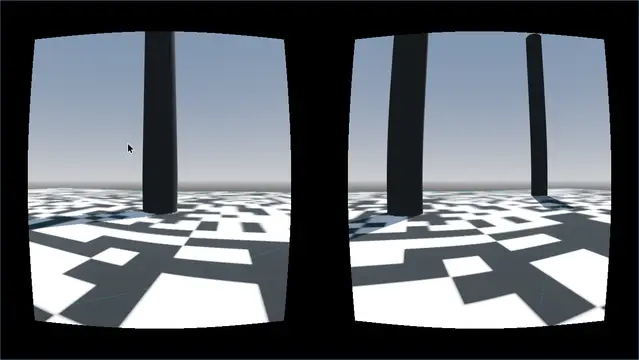
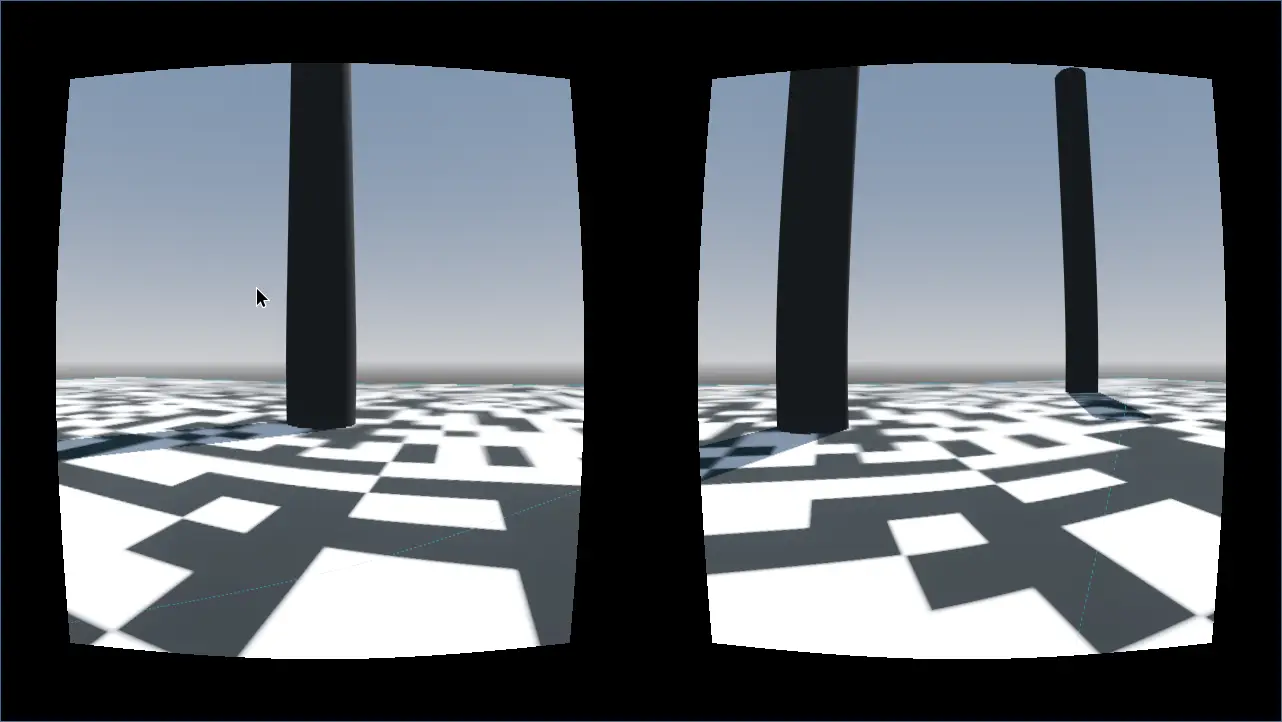
# Cardboard VR Camera3DGoogle cardboard VR Camera for godot 4For mobile use: activate the gyroscope sensor on: 'Project Settings -> Input Devices -> Sensors -> Enable Gyroscope'Usage:* Just place on the scene orcharactebody 3D.Properties:* Active : bool = Is active* UseGysroscope : bool = If use gyroscope as rotation input* Mouse_Sensitivity : float = Mouse sensitivity when not using the gyroscope for rotation* GysroscopeFactor : float = gyroscore factor speed (sensitivity)* RotateParent : bool = if rotates parent* Handle_Mouse_Capture : bool = if handles mouse capture (for non gyroscope use)* Input_Cancel : String = Input to release mouse capture * EyesSeparation : float = Separation of eyes cameras* EyeHeight : float = Base height camera* EyeConvergenceAngle : Eyes camera convergence angle
Supported Engine Version
4.3
Version String
1.1
License Version
MIT
Support Level
community
Modified Date
1 year ago
Git URL
Issue URL
Cardboard VR Camera3D
Google cardboard VR Camera for godot 4
For mobile use: activate the gyroscope sensor on: 'Project Settings -> Input Devices -> Sensors -> Enable Gyroscope'
Usage:
- Just place on the scene orcharactebody 3D.
Properties:
- Active : bool = Is active
- UseGysroscope : bool = If use gyroscope as rotation input
- Mouse_Sensitivity : float = Mouse sensitivity when not using the gyroscope for rotation
- GysroscopeFactor : float = gyroscore factor speed (sensitivity)
- RotateParent : bool = if rotates parent
- Handle_Mouse_Capture : bool = if handles mouse capture (for non gyroscope use)
- Input_Cancel : String = Input to release mouse capture
- EyesSeparation : float = Separation of eyes cameras
- EyeHeight : float = Base height camera
- EyeConvergenceAngle : Eyes camera convergence angle
# Cardboard VR Camera3D
Google cardboard VR Camera for godot 4
For mobile use: activate the gyroscope sensor on: 'Project Settings -> Input Devices -> Sensors -> Enable Gyroscope'
Usage:
* Just place on the scene orcharactebody 3D.
Properties:
* Active : bool = Is active
* UseGysroscope : bool = If use gyroscope as rotation input
* Mouse_Sensitivity : float = Mouse sensitivity when not using the gyroscope for rotation
* GysroscopeFactor : float = gyroscore factor speed (sensitivity)
* RotateParent : bool = if rotates parent
* Handle_Mouse_Capture : bool = if handles mouse capture (for non gyroscope use)
* Input_Cancel : String = Input to release mouse capture
* EyesSeparation : float = Separation of eyes cameras
* EyeHeight : float = Base height camera
* EyeConvergenceAngle : Eyes camera convergence angle
Reviews
Quick Information
Cardboard VR Camera 3D
# Cardboard VR Camera3DGoogle cardboard VR Camera for godot 4For mobile use: activate the gyroscope sensor on: 'Project Settings -> Input Devices -> Sensors -> Enable Gyroscope'Usage:* Just place on the scene orcharactebody 3D.Properties:* Active : bool = Is active* UseGysroscope : bool = If use gyroscope as rotation input* Mouse_Sensitivity : float = Mouse sensitivity when not using the gyroscope for rotation* GysroscopeFactor : float = gyroscore factor speed (sensitivity)* RotateParent : bool = if rotates parent* Handle_Mouse_Capture : bool = if handles mouse capture (for non gyroscope use)* Input_Cancel : String = Input to release mouse capture * EyesSeparation : float = Separation of eyes cameras* EyeHeight : float = Base height camera* EyeConvergenceAngle : Eyes camera convergence angle
Supported Engine Version
4.3
Version String
1.1
License Version
MIT
Support Level
community
Modified Date
1 year ago
Git URL
Issue URL