Settings Menu Lite
An asset by Godot_Forge
Install Asset
Install via Godot
To maintain one source of truth, Godot Asset Library is just a mirror of the old asset library so you can download directly on Godot via the integrated asset library browser
Quick Information

Settings Menu Lite
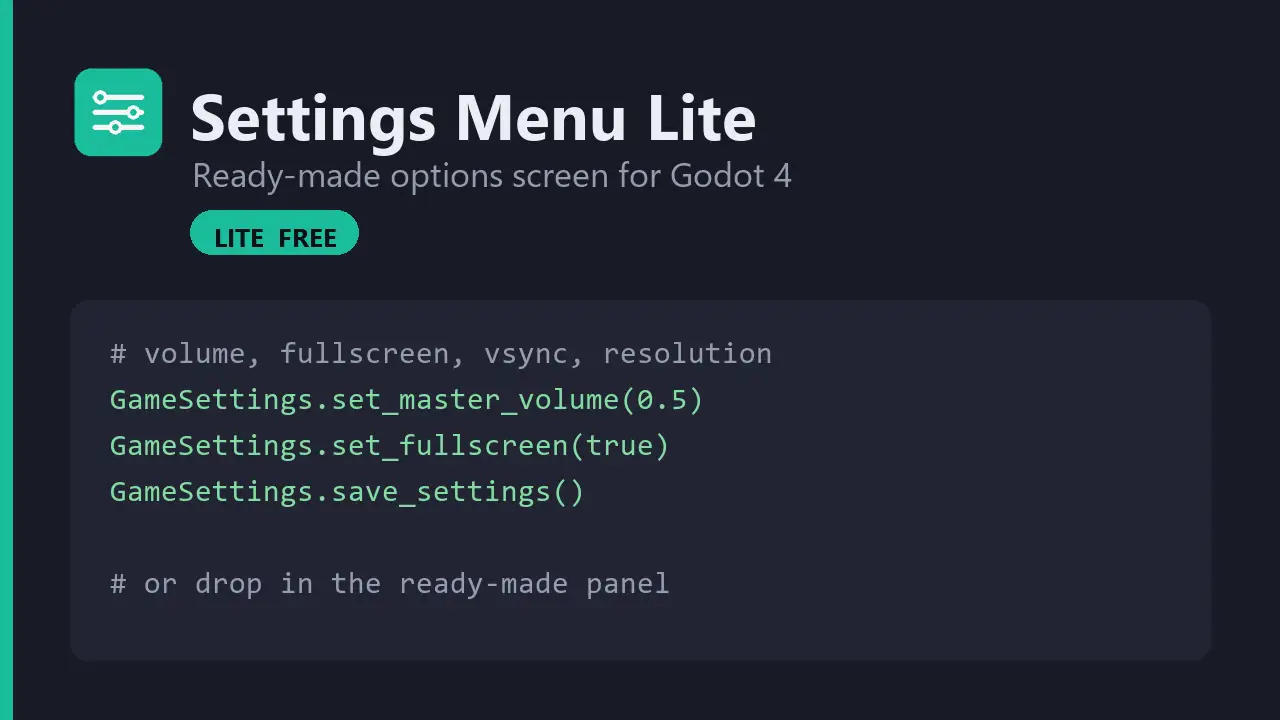
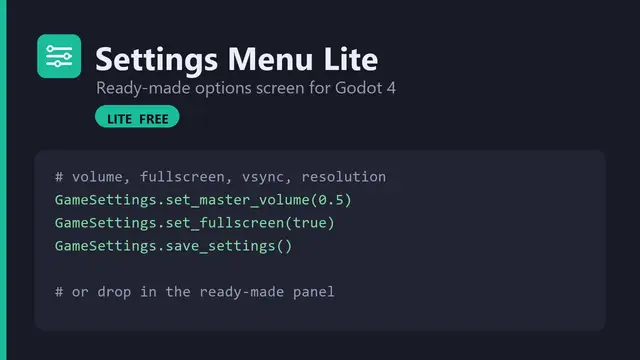
A ready-made Settings panel plus a GameSettings autoload that applies the options to the engine and saves them to disk. Drop it into any Godot 4 project — no boilerplate.Lite covers:• Master volume• Fullscreen toggle• VSync toggle• Window resolution• Save / load to disk (user://settings.cfg)Usage:GameSettings.set_master_volume(0.5)GameSettings.set_fullscreen(true)GameSettings.save_settings()Or instance the included settings_menu.tscn and listen for its "closed" signal. A demo scene is included.
Supported Engine Version
4.4
Version String
1.0.0
License Version
MIT
Support Level
community
Modified Date
1 month ago
Git URL
Issue URL
Settings Menu Lite — drop-in options screen for Godot 4 (free)
A ready-made Settings panel plus a GameSettings autoload that applies the
options to the engine and saves them to disk. Add the scene anywhere and you're
done — no boilerplate.
# Read or change settings from anywhere:
GameSettings.set_master_volume(0.5)   # 0.0 .. 1.0
GameSettings.set_fullscreen(true)
GameSettings.save_settings()          # writes user://settings.cfg

# ...next launch they're loaded and applied automatically.
Or just instance the included panel and listen for closed:
var menu := preload("res://addons/settings_menu/settings_menu.tscn").instantiate()
add_child(menu)
menu.closed.connect(func(): menu.queue_free())
The panel covers master volume, fullscreen, VSync and window resolution,
reads the current values on open, and persists them on Apply. Run the
included demo (demo/demo.tscn) and press Open Settings.
Install
- Copy the
addons/settings_menufolder into your project. - Enable Settings Menu Lite in Project → Project Settings → Plugins
(this registers the
GameSettingsautoload). - Instance
settings_menu.tscn, or callGameSettings.*directly.
Lite vs PRO
| Feature | Lite (free) | PRO |
|---|---|---|
| Master volume | ✅ | ✅ |
| Fullscreen toggle | ✅ | ✅ |
| VSync toggle | ✅ | ✅ |
| Window resolution | ✅ | ✅ |
| Save / load to disk | ✅ | ✅ |
| Separate Music / SFX buses | — | ✅ |
| Key & gamepad remapping | — | ✅ |
| Tabbed UI (Video / Audio / Controls) | — | ✅ |
| Localization-ready labels | — | ✅ |
PRO is the same GameSettings autoload and class_name — just drop it in.
Get Settings Menu PRO:
👉 https://godot-forge.itch.io/settings-menu-godot
License
MIT — free for commercial and personal projects. See LICENSE.txt.
Made by GodotForge · more Godot tools: https://godot-forge.itch.io
A ready-made Settings panel plus a GameSettings autoload that applies the options to the engine and saves them to disk. Drop it into any Godot 4 project — no boilerplate.
Lite covers:
• Master volume
• Fullscreen toggle
• VSync toggle
• Window resolution
• Save / load to disk (user://settings.cfg)
Usage:
GameSettings.set_master_volume(0.5)
GameSettings.set_fullscreen(true)
GameSettings.save_settings()
Or instance the included settings_menu.tscn and listen for its "closed" signal. A demo scene is included.
Reviews
Quick Information
Settings Menu Lite
A ready-made Settings panel plus a GameSettings autoload that applies the options to the engine and saves them to disk. Drop it into any Godot 4 project — no boilerplate.Lite covers:• Master volume• Fullscreen toggle• VSync toggle• Window resolution• Save / load to disk (user://settings.cfg)Usage:GameSettings.set_master_volume(0.5)GameSettings.set_fullscreen(true)GameSettings.save_settings()Or instance the included settings_menu.tscn and listen for its "closed" signal. A demo scene is included.
Supported Engine Version
4.4
Version String
1.0.0
License Version
MIT
Support Level
community
Modified Date
1 month ago
Git URL
Issue URL