Play is Play Current Scene
An asset by Mycodeko
Install Asset
Install via Godot
To maintain one source of truth, Godot Asset Library is just a mirror of the old asset library so you can download directly on Godot via the integrated asset library browser
Quick Information

Play is Play Current Scene
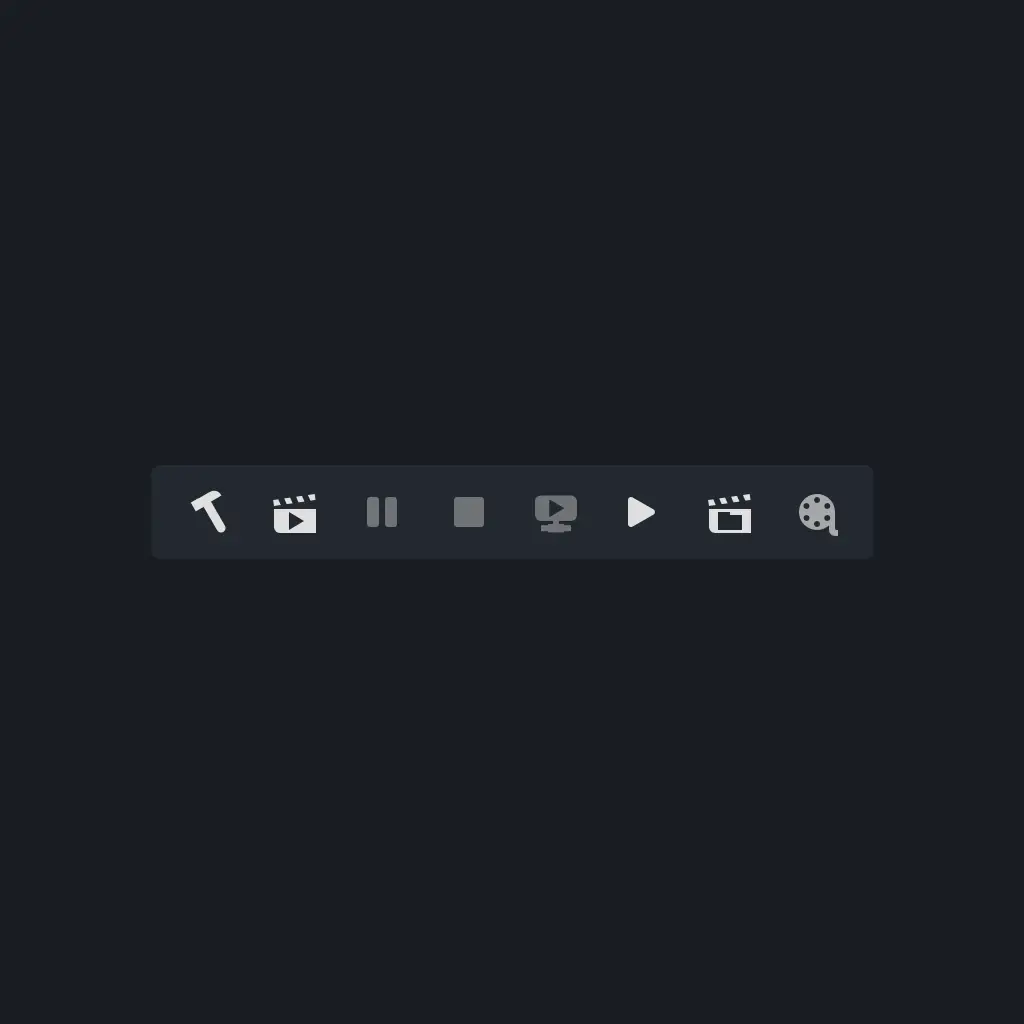
Swaps the play button with the play current scene button in Godot, making the 'primary' play button match Unity behaviour.
Supported Engine Version
4.0
Version String
1.1.0
License Version
MIT
Support Level
community
Modified Date
7 months ago
Git URL
Issue URL
Play is Play Current Scene
Swaps the play button with the play current scene button in Godot, making the 'primary' play button match Unity behaviour.
Usage
Installation
- Download the source code zip archive here.
- Extract the
play_is_play_current_scenefolder atgodot_play_is_play_current_scene-1.0.0/addons/play_is_play_current_sceneinto<PROJECT_DIRECTIORY>/addons(should result in<PROJECT_DIRECTIORY>/addons/play_is_play_current_scene). - Enable the plugin in Godot at
Project -> Project Settings... -> Plugins -> PlayIsPlayCurrentScene (Enabled: On).
Toggle
- Toggle the swap of Play and Play Current Scene at
Project -> Tools -> Play is Play Current Scene -> Toggle On / Off.
Swaps the play button with the play current scene button in Godot, making the 'primary' play button match Unity behaviour.
Reviews
Quick Information
Play is Play Current Scene
Swaps the play button with the play current scene button in Godot, making the 'primary' play button match Unity behaviour.
Supported Engine Version
4.0
Version String
1.1.0
License Version
MIT
Support Level
community
Modified Date
7 months ago
Git URL
Issue URL