SpatialRemarks
An asset by Substain
Install Asset
Install via Godot
To maintain one source of truth, Godot Asset Library is just a mirror of the old asset library so you can download directly on Godot via the integrated asset library browser

Quick Information


SpatialRemarks
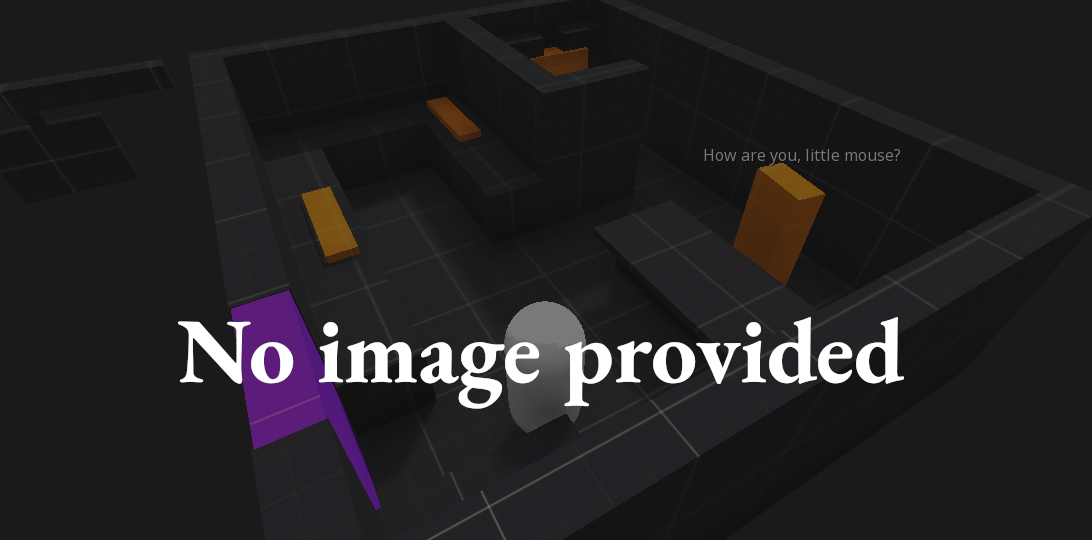
With this asset, you can annotate objects in your scene with remarks, visible in the editor and in the game.Currently, spatial remarks can only be created ingame (F3).The plugin adds a dock in the editor for selecting, viewing, and editing the saved remark data.Data will be saved locally as JSON-File, HTTP/DB support still is experimental.
Supported Engine Version
4.6
Version String
0.1.11
License Version
MIT
Support Level
community
Modified Date
1 month ago
Git URL
Issue URL
Spatial Remarks
A Godot addon for creating remarks in 2D and 3D scenes, useful for documentation, team communication and bug reports.
Currently, remarks can be only created ingame with F3 (default). This plugin also adds a dock in the editor for selecting, viewing, and editing the saved remark data. Data can be saved locally as JSON-File, HTTP support is experimental.
This plugin can be further configured via sr_config.cfg with config override options. This file contains some further documentation on configuration.
Installation
- Install the addon via the Asset Store (recommended, only for Godot versions >= 4.7) or manually:
- Asset Store: with your project opened in Godot, open the
Asset Storetab, search for SpatialRemarks, Download and Install - manually: download the latest release from Github, unpack it, and copy the
addons/spatial_remarksfolder to theaddonsfolder in your project.
- Enable the addon via
Project Settings->Plugins. This will prompt you to restart the Godot Editor (to reload the Input Map)
Keybindings (ingame)
Default Keybindings:
- Create Remark (
create_sr) - F3 - Toggle Remark Visibility (
show_sr) - F4
License
MIT License (see LICENSE.md)
With this asset, you can annotate objects in your scene with remarks, visible in the editor and in the game.
Currently, spatial remarks can only be created ingame (F3).
The plugin adds a dock in the editor for selecting, viewing, and editing the saved remark data.
Data will be saved locally as JSON-File, HTTP/DB support still is experimental.
Reviews
Quick Information
SpatialRemarks
With this asset, you can annotate objects in your scene with remarks, visible in the editor and in the game.Currently, spatial remarks can only be created ingame (F3).The plugin adds a dock in the editor for selecting, viewing, and editing the saved remark data.Data will be saved locally as JSON-File, HTTP/DB support still is experimental.
Supported Engine Version
4.6
Version String
0.1.11
License Version
MIT
Support Level
community
Modified Date
1 month ago
Git URL
Issue URL