Dialog system Renpy style
An asset by sumri
Install Asset
Install via Godot
To maintain one source of truth, Godot Asset Library is just a mirror of the old asset library so you can download directly on Godot via the integrated asset library browser
Quick Information

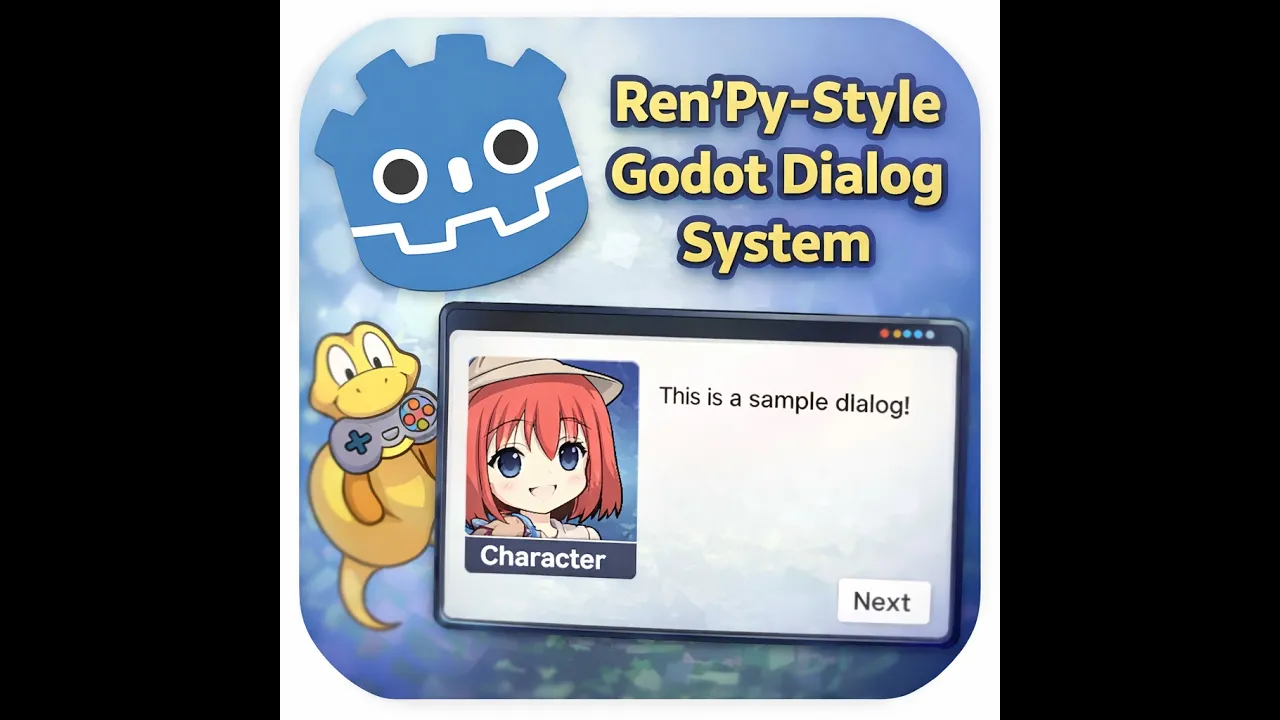
Dialog system Renpy style
# Godot Dialogue SystemA simple **Ren'Py-style dialogue system for Godot** that allows NPCs to speak and present the player with interactive choice menus.This system is designed to be **lightweight, modular, and easy to integrate** into existing scenes. It supports displaying NPC dialogue, showing character names, and presenting branching choices that can trigger functions in your game.---## Features* NPC dialogue with speaker names & custom colors* Dialogue UI overlay using `CanvasLayer`* Dynamic choice menus* Choices can call functions in the parent scene* Trigger other functions (actions)* Change Background* Add sounds * Easy to reuse across multiple NPCs* Works well for **visual novel style interactions**
Supported Engine Version
4.0
Version String
1.1.0
License Version
MIT
Support Level
community
Modified Date
2 months ago
Git URL
Issue URL
Godot Dialogue System
A simple Ren'Py-style dialogue system for Godot that allows NPCs to speak and present the player with interactive choice menus.
This system is designed to be lightweight, modular, and easy to integrate into existing scenes. It supports displaying NPC dialogue, showing character names, and presenting branching choices that can trigger functions in your game.
Features
- NPC dialogue with speaker names
- Dialogue UI overlay using
CanvasLayer - Dynamic choice menus
- Choices can call functions in the parent scene
- Easy to reuse across multiple NPCs
- Works well for visual novel style interactions
how to use
every NPC can have thier own Dialog system. this system will create child nodes inside the NPC Node you can watch this youtube video for full explaantion and example
var dialog func _ready() -> void: var dio=Dialog.new() dialog=dio.start(self) dialog.npc_name="ellie" #NPC name dialog.image="image path" #NPC photo
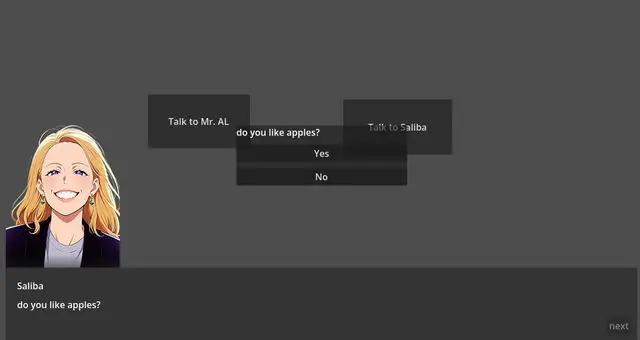
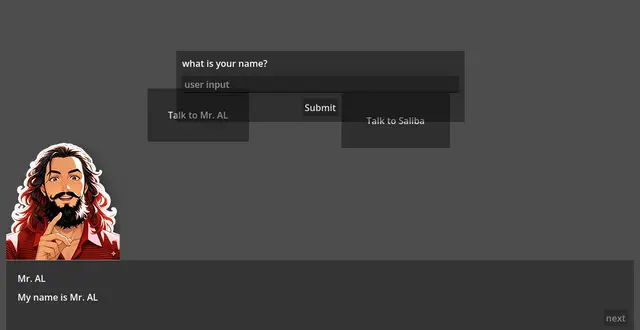
func talk(): dialog.text="hello there how are you ?" dialog.text="do you like apples?" #to add a question with menu dialog.menu("do you like apples?", { "Yes": "yes_function", "No": "No_function", }) func yes_function(): dialog.text="Great I love them too" #to add a user Input var name =await dialog.input("what is your name?") dialog.text="hello "+name
func No_function(): dialog.text="oh they are healthy. they keep the Dr. Away"
# Godot Dialogue System
A simple **Ren'Py-style dialogue system for Godot** that allows NPCs to speak and present the player with interactive choice menus.
This system is designed to be **lightweight, modular, and easy to integrate** into existing scenes. It supports displaying NPC dialogue, showing character names, and presenting branching choices that can trigger functions in your game.
---
## Features
* NPC dialogue with speaker names & custom colors
* Dialogue UI overlay using `CanvasLayer`
* Dynamic choice menus
* Choices can call functions in the parent scene
* Trigger other functions (actions)
* Change Background
* Add sounds
* Easy to reuse across multiple NPCs
* Works well for **visual novel style interactions**
Reviews
Quick Information
Dialog system Renpy style
# Godot Dialogue SystemA simple **Ren'Py-style dialogue system for Godot** that allows NPCs to speak and present the player with interactive choice menus.This system is designed to be **lightweight, modular, and easy to integrate** into existing scenes. It supports displaying NPC dialogue, showing character names, and presenting branching choices that can trigger functions in your game.---## Features* NPC dialogue with speaker names & custom colors* Dialogue UI overlay using `CanvasLayer`* Dynamic choice menus* Choices can call functions in the parent scene* Trigger other functions (actions)* Change Background* Add sounds * Easy to reuse across multiple NPCs* Works well for **visual novel style interactions**
Supported Engine Version
4.0
Version String
1.1.0
License Version
MIT
Support Level
community
Modified Date
2 months ago
Git URL
Issue URL