Remember Window Placement
An asset by Nallebeorn
Install Asset
Install via Godot
To maintain one source of truth, Godot Asset Library is just a mirror of the old asset library so you can download directly on Godot via the integrated asset library browser
Quick Information

Remember Window Placement
A tiny plugin to make the game window always reopen where you last left it when running your game from the Godot editor.The plugin can remember and restore the last screen, position within screen, and window mode (fullscreen, maximized, or windowed) of your game. When you run your game, the window will immediately appear in its remembered location.The plugin has no effect on exports and doesn't write to any files in the project directory. It works by automatically updating the window placement options in your editor settings, which means placement is remembered across all your different projects.Known limitations:* Window size is not remembered (other than maximized/fullscreen state).* If the window was last placed overlapping two screens, window position is not restored accurately.See also:* Proposal that inspired this plugin: https://github.com/godotengine/godot-proposals/issues/4900
Supported Engine Version
4.5
Version String
1.0.0
License Version
MIT
Support Level
community
Modified Date
4 days ago
Git URL
Issue URL
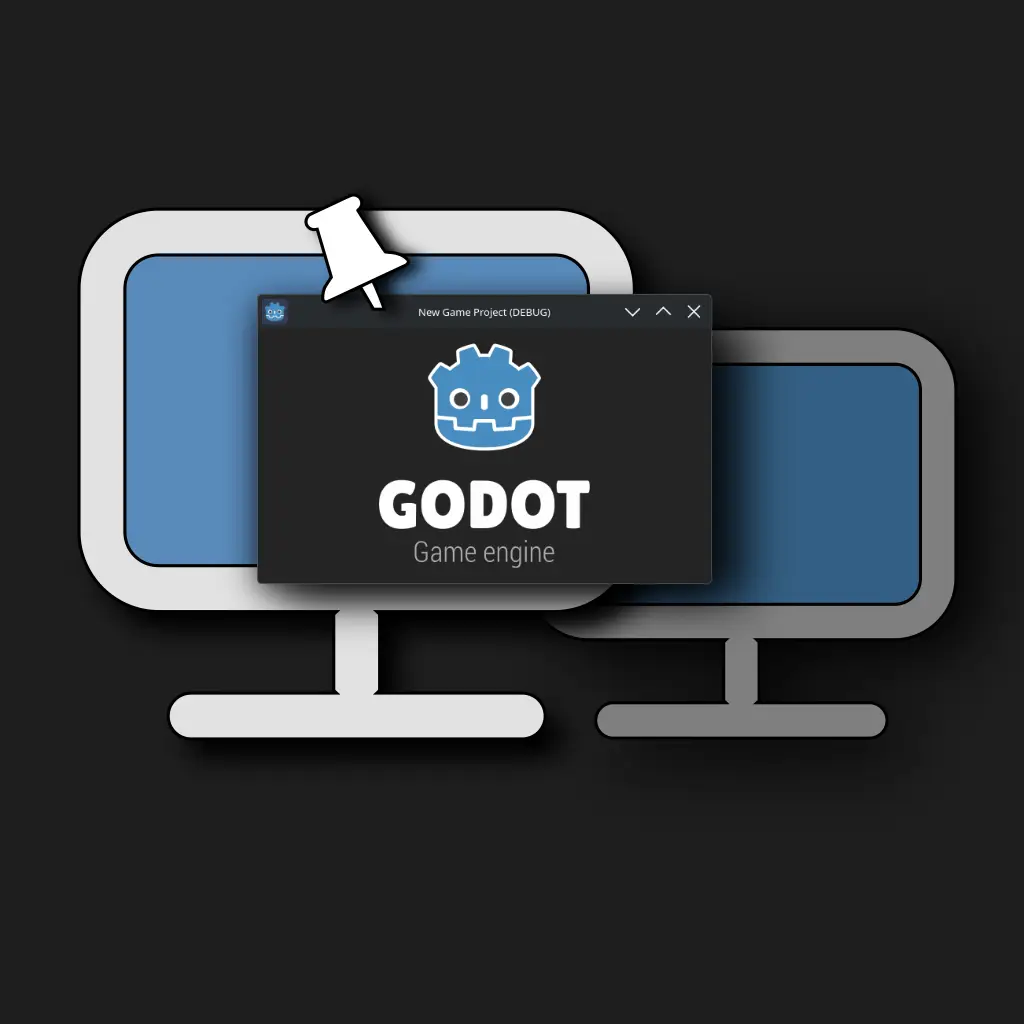
A tiny plugin to make the game window always reopen where you last left it when running your game from the Godot editor.
The plugin can remember and restore the last screen, position within screen, and window mode (fullscreen, maximized, or windowed) of your game. When you run your game, the window will immediately appear in its remembered location.
The plugin has no effect on exports and doesn't write to any files in the project directory. It works by automatically updating the window placement options in your editor settings, which means placement is remembered across all your different projects.
Known limitations:
* Window size is not remembered (other than maximized/fullscreen state).
* If the window was last placed overlapping two screens, window position is not restored accurately.
See also:
* Proposal that inspired this plugin: https://github.com/godotengine/godot-proposals/issues/4900
Reviews
Quick Information
Remember Window Placement
A tiny plugin to make the game window always reopen where you last left it when running your game from the Godot editor.The plugin can remember and restore the last screen, position within screen, and window mode (fullscreen, maximized, or windowed) of your game. When you run your game, the window will immediately appear in its remembered location.The plugin has no effect on exports and doesn't write to any files in the project directory. It works by automatically updating the window placement options in your editor settings, which means placement is remembered across all your different projects.Known limitations:* Window size is not remembered (other than maximized/fullscreen state).* If the window was last placed overlapping two screens, window position is not restored accurately.See also:* Proposal that inspired this plugin: https://github.com/godotengine/godot-proposals/issues/4900
Supported Engine Version
4.5
Version String
1.0.0
License Version
MIT
Support Level
community
Modified Date
4 days ago
Git URL
Issue URL