A-Star Grid Map
An asset by Maaack
Install Asset
Install via Godot
To maintain one source of truth, Godot Asset Library is just a mirror of the old asset library so you can download directly on Godot via the integrated asset library browser
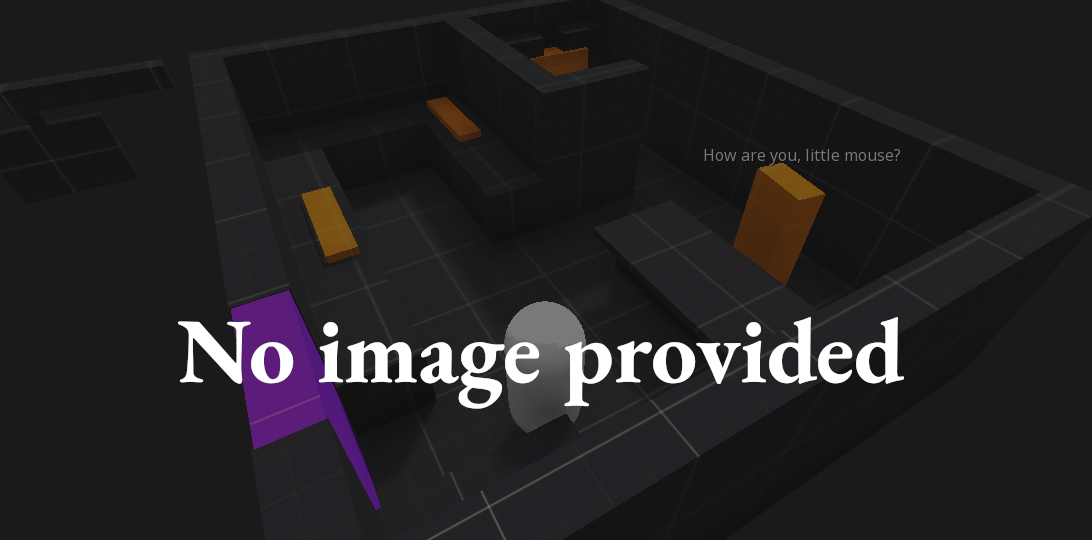

Quick Information


A-Star Grid Map
Node for managing an AStarGrid2D.Connects to TileMapLayers and groups of dynamic colliders to automatically build the grid and set solid points.
Supported Engine Version
4.4
Version String
0.1.0
License Version
MIT
Support Level
community
Modified Date
4 months ago
Git URL
Issue URL
A-Star Grid Map
Node for managing an AStarGrid2D.
Connects to TileMapLayers and groups of dynamic colliders to automatically build the grid and set solid points.
Objective
Simplify interfacing with the AStarGrid2D.
I kept re-using this between projects and losing changes between versions, so I wanted to have one copy in a centralized place.
Installation
- Go to the
AssetLibtab. - Search for "A-Star Grid Map Plugin".
- Click on the result to open the plugin details.
- Click to Download.
- Check that contents are getting installed to
addons/and there are no conflicts. - Click to Install.
- Enable the plugin from the Project Settings > Plugins tab.
When enabled, the plugin will add the AStarGridMap2D node.
Usage
Add AStarGridMap2D to a scene and give it a region. Plug in a tilemap that should be treated as a wall, or the names of groups that have dynamic colliders, like doors or destructible obstacles.
Call get_world_path_avoiding_points() to get a path to a target.
Node for managing an AStarGrid2D.
Connects to TileMapLayers and groups of dynamic colliders to automatically build the grid and set solid points.
Reviews
Quick Information
A-Star Grid Map
Node for managing an AStarGrid2D.Connects to TileMapLayers and groups of dynamic colliders to automatically build the grid and set solid points.
Supported Engine Version
4.4
Version String
0.1.0
License Version
MIT
Support Level
community
Modified Date
4 months ago
Git URL
Issue URL