Vector Display 2D
An asset by Andresit1524
Install Asset
Install via Godot
To maintain one source of truth, Godot Asset Library is just a mirror of the old asset library so you can download directly on Godot via the integrated asset library browser
Quick Information

Vector Display 2D
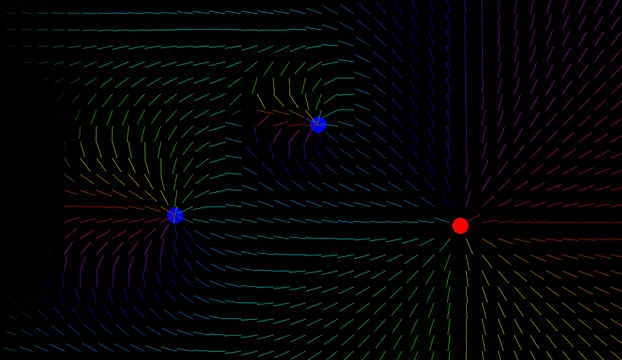
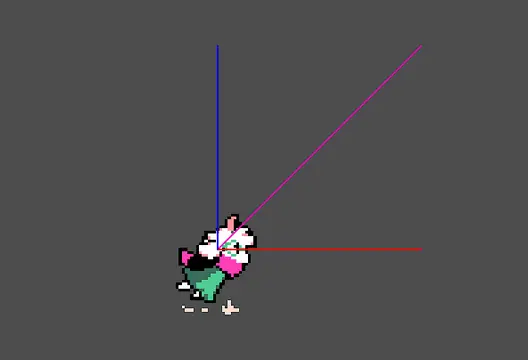
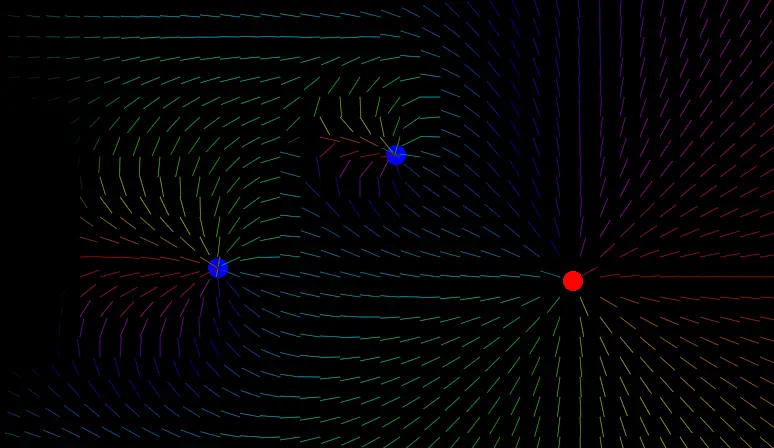
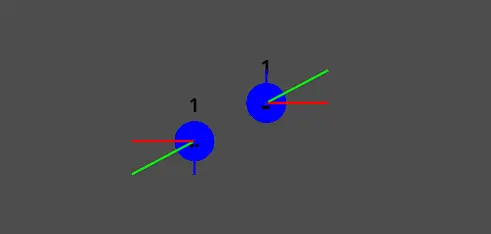
Display your vectors (velocity, acceleration, ...) easily on your game. Currently supports only 2D vectors.- Add a custom node of type "VectorDisplay2D" on your scene- Choose target node, property, and customization- Add many as you want- Enjoy! Press "Shift + V" to toggle the display- Use integrated resource to change the toggle shortcutNew functions (1.2):- Rainbow colors based on angle- Clamp and normalize vector visualizations- Better reactivity and numerical stability- Hotfix: gitattributes added for better downloading
Supported Engine Version
4.0
Version String
1.2
License Version
MIT
Support Level
community
Modified Date
1 day ago
Git URL
Issue URL
Vector display 2D
Inspired by Easy Vector Display by neropatti.

Show vectors on your 2D game with ease.
Usage
- Create a new
VectorDisplay2Dnode on your scene - Choose a node and a property (e.g.: velocity) of type Vector2
- Customize and setup colors, scale, etc.
- Enjoy! Use
Shift + Vto quickly toggle visibility during runtime - Change the visibility shortcut on
display_shortcut.tresfile on Godot editor
Planned features
- Arrowheads instead of lines
- 3D compatibility
- Better customization and performance
Display your vectors (velocity, acceleration, ...) easily on your game. Currently supports only 2D vectors.
- Add a custom node of type "VectorDisplay2D" on your scene
- Choose target node, property, and customization
- Add many as you want
- Enjoy! Press "Shift + V" to toggle the display
- Use integrated resource to change the toggle shortcut
New functions (1.2):
- Rainbow colors based on angle
- Clamp and normalize vector visualizations
- Better reactivity and numerical stability
- Hotfix: gitattributes added for better downloading
Reviews
Quick Information
Vector Display 2D
Display your vectors (velocity, acceleration, ...) easily on your game. Currently supports only 2D vectors.- Add a custom node of type "VectorDisplay2D" on your scene- Choose target node, property, and customization- Add many as you want- Enjoy! Press "Shift + V" to toggle the display- Use integrated resource to change the toggle shortcutNew functions (1.2):- Rainbow colors based on angle- Clamp and normalize vector visualizations- Better reactivity and numerical stability- Hotfix: gitattributes added for better downloading
Supported Engine Version
4.0
Version String
1.2
License Version
MIT
Support Level
community
Modified Date
1 day ago
Git URL
Issue URL