Godot Aerodynamic Physics
An asset by addmix
Install Asset
Install via Godot
To maintain one source of truth, Godot Asset Library is just a mirror of the old asset library so you can download directly on Godot via the integrated asset library browser

Quick Information


Godot Aerodynamic Physics
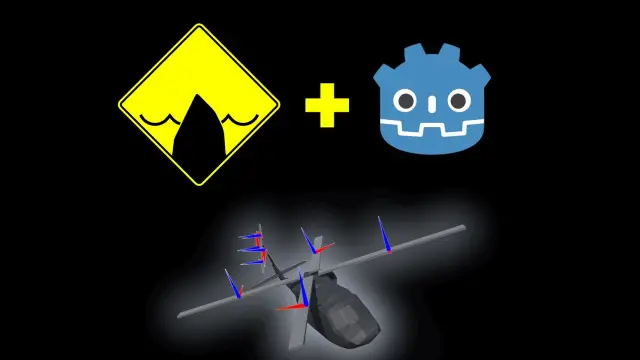
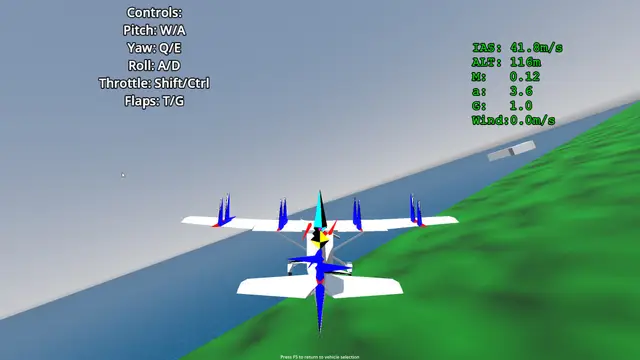
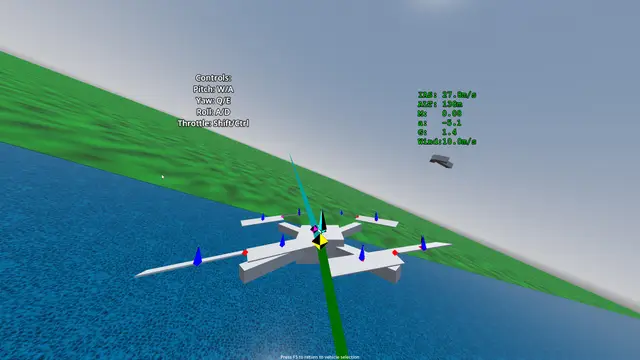
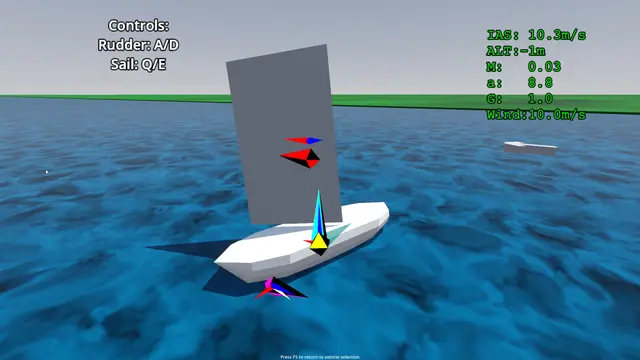
Provides nodes for aerodynamic simulation.Enable plugin in project settings Project > Project Settings > PluginsAdd an AeroBody3D to your scene, and add one or more AeroInfluencer3D derived classes as children, adjust settings to change the characteristics.Development Direction:- Usability, stability, and performance.- More AeroInfluencer3D derived nodes (Dynamic rotor systems, primitive shapes).- Aerofoil profiles for AeroSurfaces.- Energy–maneuverability graphs and aircraft performance profiling.
Supported Engine Version
4.4
Version String
0.9.1
License Version
MIT
Support Level
community
Modified Date
1 month ago
Git URL
Issue URL
Godot Aerodynamic Physics

For Godot Asset Library downloads.
- Ensure that addon files are installed inside
res://addons/godot_aerodynamic_physics
Manual Installation
- Download and un-zip files.
- Place the
godot_aerodynamic_physicsfolder inside your project'saddonsfolder. - Enable plugin in project settings
Project > Project Settings > Plugins - Reload project.
Usage
Tutorial available here
- Add an
AeroBodyto your scene, and add one or moreAeroSurfacederived classes as children, adjust settings to change the characteristics.
Development Direction
- Different Aero shapes (Sphere, Box, Cylinder, Plane)
- Preset airfoil profiles
- AeroBody performance profiling
Provides nodes for aerodynamic simulation.
Enable plugin in project settings Project > Project Settings > Plugins
Add an AeroBody3D to your scene, and add one or more AeroInfluencer3D derived classes as children, adjust settings to change the characteristics.
Development Direction:
- Usability, stability, and performance.
- More AeroInfluencer3D derived nodes (Dynamic rotor systems, primitive shapes).
- Aerofoil profiles for AeroSurfaces.
- Energy–maneuverability graphs and aircraft performance profiling.
Reviews
Quick Information
Godot Aerodynamic Physics
Provides nodes for aerodynamic simulation.Enable plugin in project settings Project > Project Settings > PluginsAdd an AeroBody3D to your scene, and add one or more AeroInfluencer3D derived classes as children, adjust settings to change the characteristics.Development Direction:- Usability, stability, and performance.- More AeroInfluencer3D derived nodes (Dynamic rotor systems, primitive shapes).- Aerofoil profiles for AeroSurfaces.- Energy–maneuverability graphs and aircraft performance profiling.
Supported Engine Version
4.4
Version String
0.9.1
License Version
MIT
Support Level
community
Modified Date
1 month ago
Git URL
Issue URL