Maze2D
An asset by bennbollay
Install Asset
Install via Godot
To maintain one source of truth, Godot Asset Library is just a mirror of the old asset library so you can download directly on Godot via the integrated asset library browser
Quick Information

Maze2D
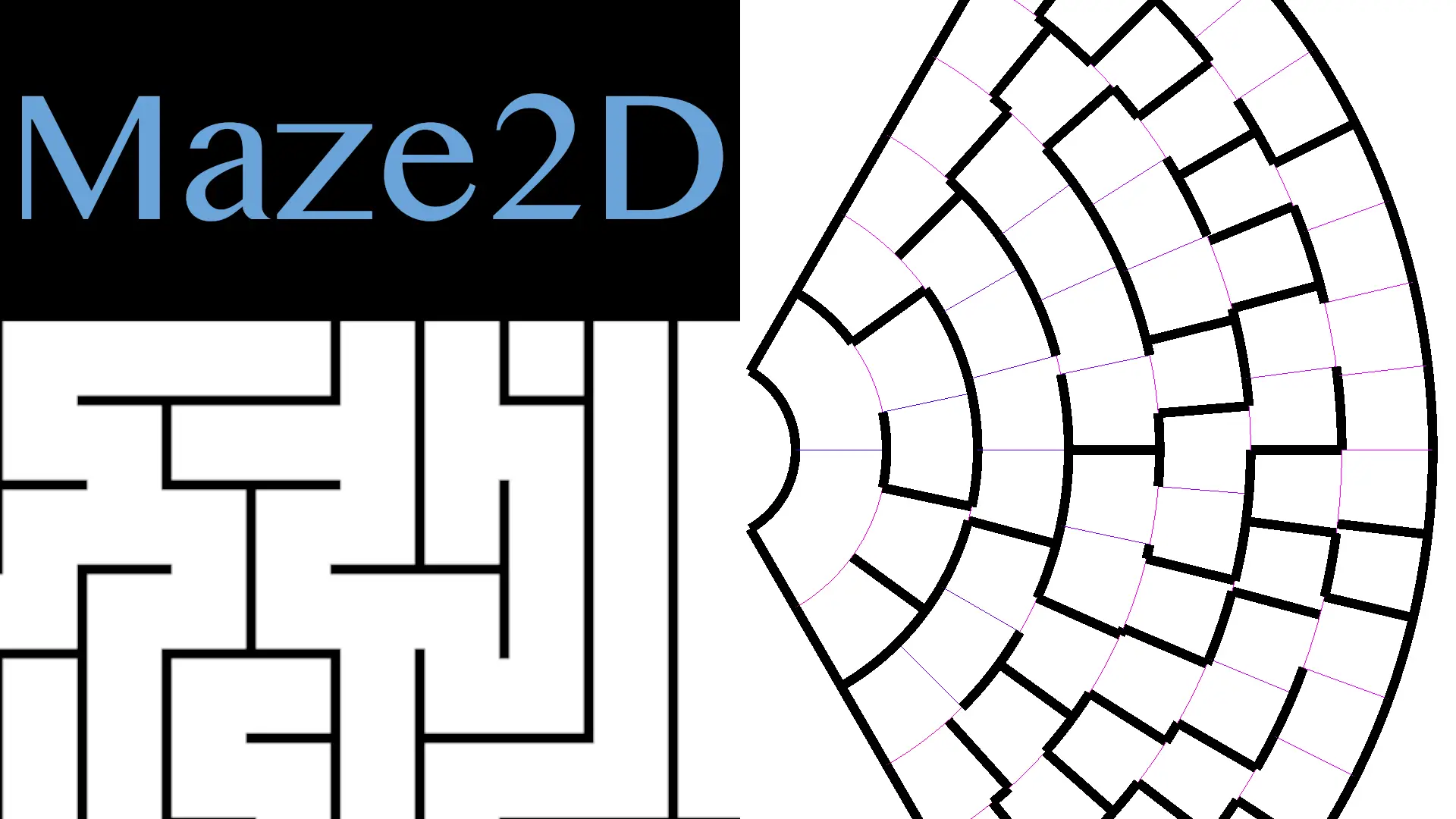
This addon offers a variety of ways of creating differently-shaped 2D mazes, as well as different algorithms to generate the maze within the shape.
Supported Engine Version
4.0
Version String
1.0.0
License Version
Unlicense
Support Level
community
Modified Date
8 hours ago
Git URL
Issue URL
Godot 4 2D Maze Implementation
This project creates a variety of ways of creating differently-shaped 2D mazes.
Video Example
https://github.com/user-attachments/assets/666c1d32-1dc5-4774-b84a-54fedae012a4
Usage
Open the addons/maze2d/test/test_maze.tscn scene for examples.
Create a square maze
var square_maze: MazeSquare.Shape = MazeSquare.Shape.new(square_width, square_height)
MazeAlgoRecursiveBacktracker.generate(square_maze, square_maze.room(0, 0), maze_random_seed)
Create a circular maze
var circle_maze: MazeCircle.Shape = MazeCircle.Shape.new(circle_resource)
circle_maze.generate()

MazeAlgoRecursiveBacktracker.generate(circle_maze, circle_maze.room(0, 0), maze_random_seed)
Drawing the maze a canvas
Both square and circular mazes support being drawn to a canvas on the screen. While this is not the most commonly expected way of using them, it's extremely useful for debugging.
# Print a square maze to the $Maze canvas.
var rect := shape_to_rect($Maze.shape as RectangleShape2D, $Maze.global_position)
MazeSquarePrint.canvas($Maze, sm, rect)

# Or for a circular maze:
var rect := shape_to_rect($Maze2.shape as RectangleShape2D, $Maze2.global_position)
MazeCirclePrint.canvas($Maze2, cm, rect, show_room_labels, show_boundary)
In addition to a canvas endpoint, those objects also offer a console option for logging details about the maze to
the console itself.
NOTE: There isn't any good font for drawing a square maze, so the characters used might be confusing - the maze is the inside part of the small close-together lines, not the space between the double-lines.
Accessing the contents of the maze
Each maze object is broken up into Rooms, Walls, and/or Doors. Because geometry plays a large part here, the interfaces for accessing these elements isn't the same between the two shapes.
Square Mazes
For each MazeSquare.Shape, you can use the room(x, y) method to get a specific MazeSquare.Room object. With this
object in hand, the walls() returns an array of attached rooms (or null) in the North, West, East, South ordering.
This can be used to determine which rooms are connected to what other rooms, or instead of walls blocking them.
Circular Mazes
Circular mazes are broken into "levels", which are then subdivided by the angle that the room is present at. Each
room has the same "arc length", which is to say, the same length of the circle as it's innermost length, and tries
to use the space as efficiently as possible (if room_justify is set to EXPAND_TO_FIT in the MazeCircleResource)
or centered (when set to CENTER). The maze itself can describe any number of levels, and doesn't have to start with
a "core".
In order to iterate through the maze, I recommend examining how the MazeCirclePrint.canvas() function iterates
across the different rooms and doors. Feel free to request examples by creating a ticket, as well!
Supported Algorithms
Currently only the Recursive Backtracker algorithm is supported, but the general design is easy enough that additional algorithms can be added. If there's algorithm you'd like, file a ticket!
This addon offers a variety of ways of creating differently-shaped 2D mazes, as well as different algorithms to generate the maze within the shape.
Reviews
Quick Information
Maze2D
This addon offers a variety of ways of creating differently-shaped 2D mazes, as well as different algorithms to generate the maze within the shape.
Supported Engine Version
4.0
Version String
1.0.0
License Version
Unlicense
Support Level
community
Modified Date
8 hours ago
Git URL
Issue URL