Itch Loading Indicator Page
An asset by paufau
Install Asset
Install via Godot
To maintain one source of truth, Godot Asset Library is just a mirror of the old asset library so you can download directly on Godot via the integrated asset library browser

Quick Information


Itch Loading Indicator Page
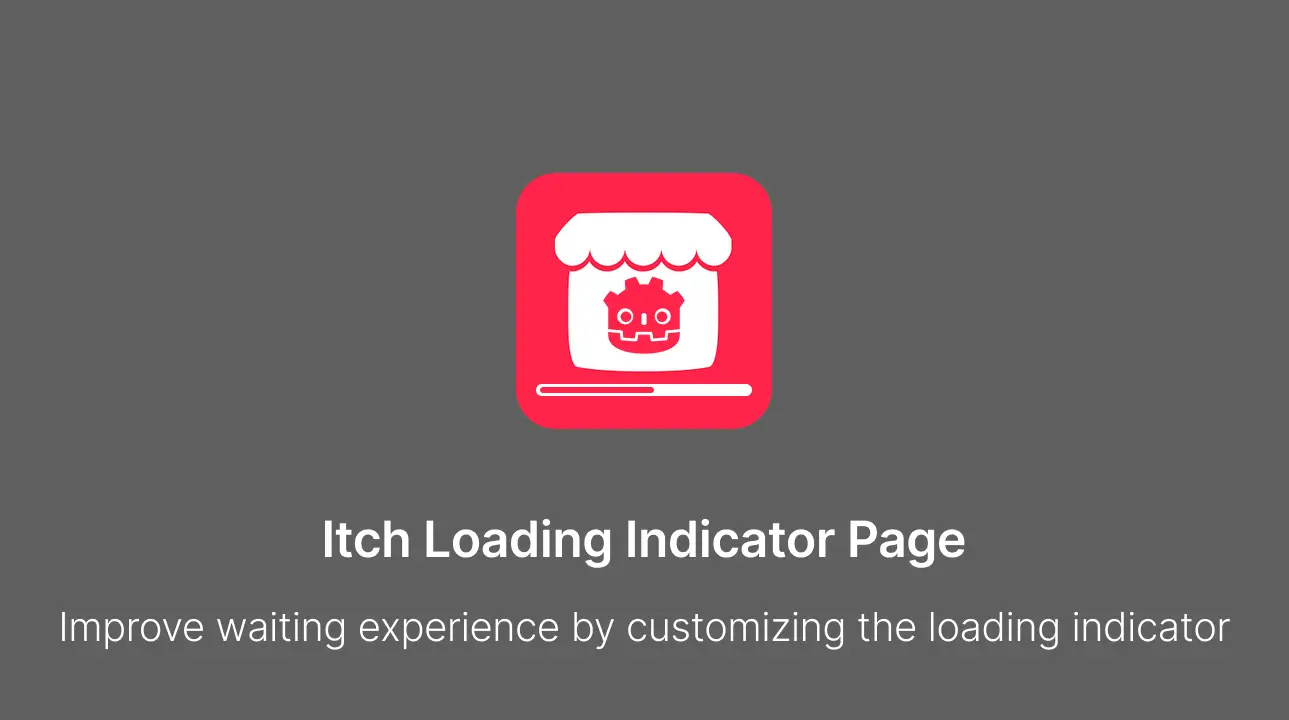
A loading screen for Godot web exports that covers game download. (Made specifically for itch.io)
Supported Engine Version
4.6
Version String
1.0.0
License Version
MIT
Support Level
community
Modified Date
7 hours ago
Git URL
Issue URL
Itch Loading Indicator Page



A loading screen for Godot web exports that covers the index.wasm and index.pck download. Made specifically for itch.io.
✨ Features
- 🚀 Quick and easy setup with a bunch of pre-made options
- 🖼️ Shows your art while the game downloads
- 🎨 Built-in look configuration available from the export preset
- 🧩 Replace default template with HTML of your own
Usage
- Install the addon from Asset Store or from source (copy addons folder to your project directory)
- Enable the plugin in your Project Settings
- Replace
addons/itch_loading_indicator_page/assets/backgroundwith your game icon or image - Go to Project -> Export -> Web -> "Itch Loading Indicator Page" section
- Configure properties to customize the look
- Export the project
Use cases
Fullscreen key art, no bar. Set Parameters to { "fit": "cover", "progress_hidden": true }.
Art plus a thin bar pinned to the bottom. { "fit": "cover", "progress_placement": "bottom", "progress_width": "100vw", "progress_height": "12px", "progress_color": "#7CFF6D" }.
Your own markup. Copy public/default_template.html, point Template at the copy, and address anything from Assets as {{ASSETS_DIR}}/logo.svg.
An intro of your own. Set Dismiss to Manually and call ILIP.hide() from GDScript when your first cutscene is ready to be seen.
Export options
Enabled: bool = true
Turn the overlay off for a single preset.
Dismiss: "On Engine Load" | "After First Frame Drawn" | "Manually" = "After First Frame Drawn"
When the overlay goes.
After First Frame Drawnwaits forRenderingServer.frame_post_draw, so the loader will disappear right after the first game frame is drawn.On Engine Loaduses the engine's own start signal, which fires before the first frame is drawn, so the player might see an unfilled frame.Manuallyleaves it toILIP.hide()call in your own code.
Template: String = "addons/itch_loading_indicator_page/public/default_template.html"
HTML file to render.
Parameters: Dictionary
Values substituted into the template, and carried into the game. The editor keeps the type you picked, so a bool is still a bool where it lands.
Note: Only what JSON format can carry survives the trip to the page: strings, numbers, bools, arrays and dictionaries. A
Coloror aVector2arrives as its Godot stringified form.
Assets: String = "addons/itch_loading_indicator_page/assets"
Directory copied next to the shell as ilip_assets/, recursively.
.import files and dotfiles are skipped
Parameters the built-in template reads
| Key | Default |
|---|---|
background_color |
#5F5F5F |
fit |
centered, or cover / contain to fill the screen |
progress_hidden |
false; true drops the bar |
progress_placement |
below, or top / center / bottom to pin it to an edge |
progress_width |
min(50vw, 360px) |
progress_height |
10px |
progress_color |
#FF244A |
track_color |
rgba(255, 255, 255, 0.9) |
Feel free to add your own keys if you need to customize your own template
Writing a template
Tokens are substituted as plain text, and a parameter of the same name overrides a built-in token. The root element needs id="ilip"; the runtime finds it by that id.
| Token | Value |
|---|---|
{{IMAGE_SRC}} |
Path of the background.* that was found, empty when there is none |
{{ASSETS_DIR}} |
Directory the assets were copied into, empty when unset |
{{PROJECT_NAME}} |
application/config/name |
{{any_key}} |
Any key from Parameters. Objects and arrays arrive as JSON |
<div id="ilip">
    <img alt="" data-src="{{IMAGE_SRC}}" />
    <p>{{tagline}}</p>
    <div class="bar"><i></i></div>
</div>
<style>
    #ilip {
        position: absolute;
        inset: 0;
        z-index: 3;
        background: #101014;
        display: flex;
        flex-direction: column;
        align-items: center;
        justify-content: center;
        transition: opacity 0.35s ease-out;
    }
    #ilip.is-done {
        opacity: 0;
        pointer-events: none;
    }
    .bar {
        width: 320px;
        height: 8px;
        background: #ffffff2e;
    }
    .bar i {
        display: block;
        height: 100%;
        width: var(--ilip-progress-percent, 0%);
        background: #7cff6d;
        transition: width 0.2s linear;
    }
</style>
Runtime API
Two CSS custom properties on the root element stay up to date:
#my-bar {
    width: var(--ilip-progress-percent, 0%);
} /* "42.00%" */
#my-ring {
    opacity: var(--ilip-progress, 0);
} /* 0..1 */
When the overlay is dismissed the root gets the class is-done, then leaves the DOM 400 ms later, which is room for a CSS transition on that class.
Author
Sponsor & Support
If you found the addon useful, you can support me here:

A loading screen for Godot web exports that covers game download. (Made specifically for itch.io)
Reviews
Quick Information
Itch Loading Indicator Page
A loading screen for Godot web exports that covers game download. (Made specifically for itch.io)
Supported Engine Version
4.6
Version String
1.0.0
License Version
MIT
Support Level
community
Modified Date
7 hours ago
Git URL
Issue URL