
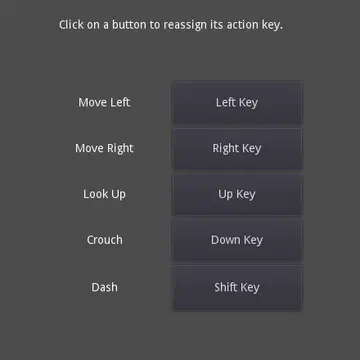
A demo showing how to build an input key remapping screen.- Click the buttons to change the bound keys.- Persists the keys to disk, so they are preserved after the project is restarted.Language: GDScriptRenderer: Compatibility
Squash the Creeps (3D) Demo
An asset by Godot Engine
Quick Information

Squash the Creeps (3D) Demo
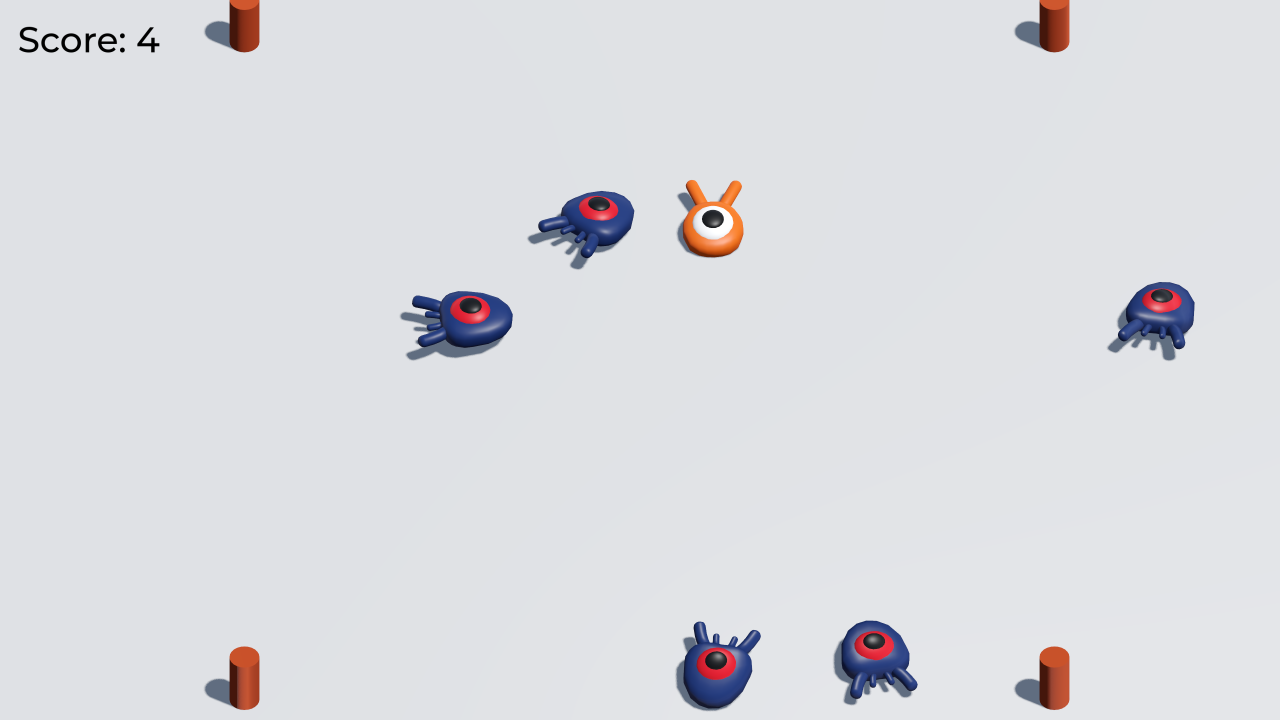
This is a simple game where your character must move and jump to squash as many enemies for as long as possible. You gain 1 point for every enemy squashed.Controls:- Up Arrow, W, Gamepad Left Stick: Move up- Down Arrow, S, Gamepad Left Stick: Move down- Left Arrow, Gamepad Left Stick: Move left- Right Arrow, Gamepad Left Stick: Move right- Space, Right Mouse Button, Gamepad A/Cross: JumpThis is a finished version of the game featured in the "Your first 3D game" tutorial in the documentation. For more details, consider following the tutorial in the documentation: https://docs.godotengine.org/en/latest/getting_started/first_3d_game/index.htmlThis demo covers:- Handling player input.- Moving and jumping in a 3D game.- Spawning enemies randomly around the game arena.- Using the built-in animation editor to breathe life to your game.- Creating a complete game loop with lose conditions, score, and the ability to restart.Language: GDScriptRenderer: Forward+
Supported Engine Version
4.2
Version String
4.2-31d1c0c
Support Level
featured
Modified Date
2 years ago
Git URL
Issue URL
Squash the Creeps (3D)
This is a simple game where your character must move and jump to squash as many enemies for as long as possible. You gain 1 point for every enemy squashed.
Controls:
- Up Arrow, W, Gamepad Left Stick: Move up
- Down Arrow, S, Gamepad Left Stick: Move down
- Left Arrow, Gamepad Left Stick: Move left
- Right Arrow, Gamepad Left Stick: Move right
- Space, Right Mouse Button, Gamepad A/Cross: Jump
This is a finished version of the game featured in the "Your first 3D game" tutorial in the documentation. For more details, consider following the tutorial in the documentation.
This demo covers:
- Handling player input.
- Moving and jumping in a 3D game.
- Spawning enemies randomly around the game arena.
- Using the built-in animation editor to breathe life to your game.
- Creating a complete game loop with lose conditions, score, and the ability to restart.
Language: GDScript
Renderer: Forward+
Screenshots

Copying
art/House In a Forest Loop.ogg Copyright © 2012 HorrorPen, CC-BY 3.0: Attribution. Source: https://opengameart.org/content/loop-house-in-a-forest
Font is "Montserrat Medium". Copyright 2011 The Montserrat Project Authors. Details are in fonts/LICENSE.txt.
This is a simple game where your character must move and jump to squash as many enemies for as long as possible. You gain 1 point for every enemy squashed. Controls: - Up Arrow, W, Gamepad Left Stick: Move up - Down Arrow, S, Gamepad Left Stick: Move down - Left Arrow, Gamepad Left Stick: Move left - Right Arrow, Gamepad Left Stick: Move right - Space, Right Mouse Button, Gamepad A/Cross: Jump This is a finished version of the game featured in the "Your first 3D game" tutorial in the documentation. For more details, consider following the tutorial in the documentation: https://docs.godotengine.org/en/latest/getting_started/first_3d_game/index.html This demo covers: - Handling player input. - Moving and jumping in a 3D game. - Spawning enemies randomly around the game arena. - Using the built-in animation editor to breathe life to your game. - Creating a complete game loop with lose conditions, score, and the ability to restart. Language: GDScript Renderer: Forward+
Reviews
0 total reviews
Quick Information
Squash the Creeps (3D) Demo
This is a simple game where your character must move and jump to squash as many enemies for as long as possible. You gain 1 point for every enemy squashed.Controls:- Up Arrow, W, Gamepad Left Stick: Move up- Down Arrow, S, Gamepad Left Stick: Move down- Left Arrow, Gamepad Left Stick: Move left- Right Arrow, Gamepad Left Stick: Move right- Space, Right Mouse Button, Gamepad A/Cross: JumpThis is a finished version of the game featured in the "Your first 3D game" tutorial in the documentation. For more details, consider following the tutorial in the documentation: https://docs.godotengine.org/en/latest/getting_started/first_3d_game/index.htmlThis demo covers:- Handling player input.- Moving and jumping in a 3D game.- Spawning enemies randomly around the game arena.- Using the built-in animation editor to breathe life to your game.- Creating a complete game loop with lose conditions, score, and the ability to restart.Language: GDScriptRenderer: Forward+
Supported Engine Version
4.2
Version String
4.2-31d1c0c
Support Level
featured
Modified Date
2 years ago
Git URL
Issue URL
Related Assets
More in Demos

An example showing how to take screenshots of the screen.Language: GDScriptRenderer: Compatibility

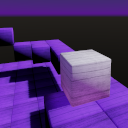
Kinematic character demo for 3D using a cube for the character. This is similar to the 3D platformer demo.Language: GDScriptRenderer: Forward+
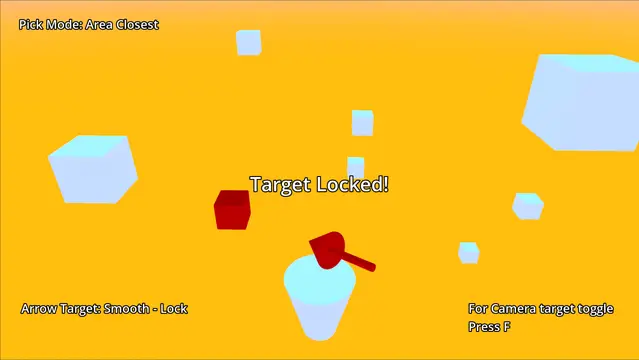

This is the 3D targeting system's demo project for Godot 4 game engine.This tool is based on 3D-Targeting-System-Ultimate for Godot 3.