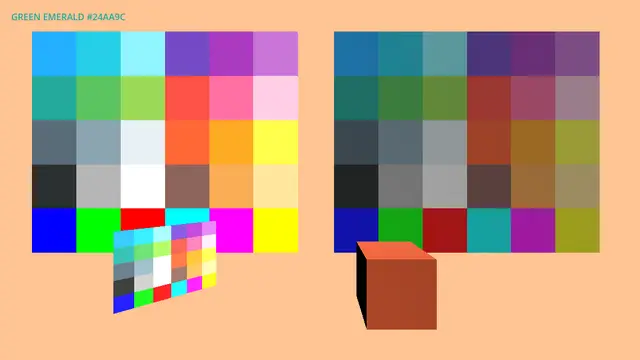
A set of grayboxing tools featuring a consistent color palette for use in your project. Inspired by the 36 colors from Open Blocks Color, this asset includes both lit and unlit materials, along with resources to support implementation in code. Designed with simplicity in mind, it offers a total of 72 color materials for efficient prototyping and is not expected to require frequent updates.
This tool allows you to convert multiple textures into materials with the click of a button.It supports:- Batch Processing: Select 1, 10 or 100 textures. It all works.- Zero Configuration: Creates StandardMaterial3D resources with the texture assigned to the Albedo slot.Usage guide:1. Select your textures in the FileSystem.2. Ensure your textures are set to the 3D Texture preset in the Import tab.3. Go to Project -> Tools -> Create Materials from Textures.4. Click Create Materials from Textures.
Automatically create fully configured materials from your texture sets in literal seconds.Simply select multiple textures with matching names (Diffuse, Normal, Roughness, Metallic, and more), or import a ZIP containing your textures. The addon detects the map types, creates a new material and fills the correct texture slots for you automatically.Perfect for artists and developers working with large texture libraries, saving time and speeding up repetitive setup work.Feel free to donate if you find this useful!