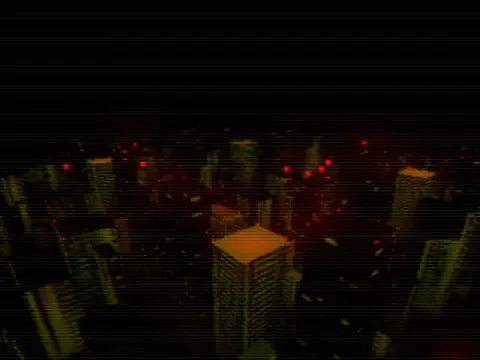
A pack of retro/old-school post-processing shaders for Godot, containing 20 effects.Read https://github.com/Ahopness/GodotRetro/blob/main/README.md#instalation to setup them.
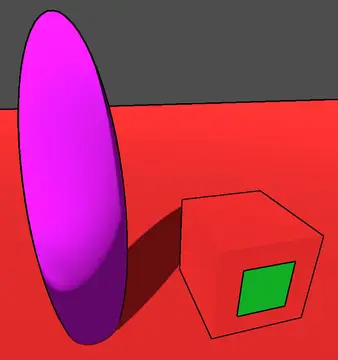
A set of shaders and a custom camera node to easily integrate post process outlines into your game. Works with both 2D and 3D games. Documentation at:https://github.com/jocamar/Godot-Post-Process-OutlinesIf you have any questions feel free to reach out to me on Twitter:https://twitter.com/joaomarinheiro
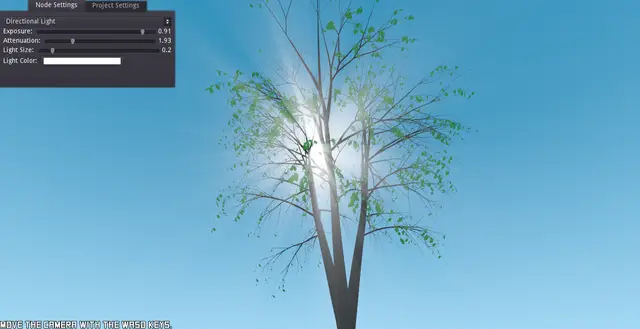
This plugin adds a new node for giving a volumetric lighting effect to light nodes they are attached too.It also supports Lexpartizan's Sky Shader.https://github.com/Lexpartizan/Godot_sky_shader.More info in the README file. Please read it.
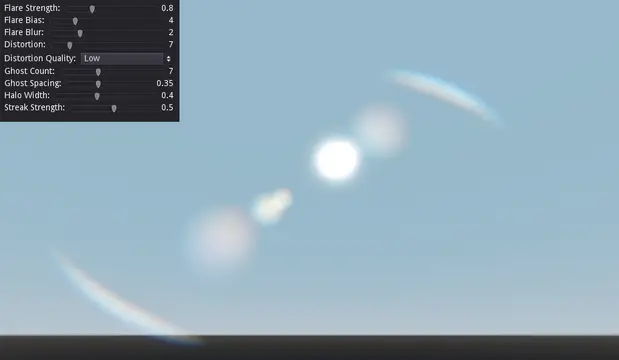
This plugin gives you the ability to have lens flare in your 3d projects. And it's procedural too; meaning you don't need to assign actual lens flare textures as long as you have a bright spot in your screen.Just install the addons folder to add it to your project.Find out more here: https://github.com/SIsilicon/Godot-Lens-Flare-Plugin
This is a water shader with optional chromatic aberration, it has some options to tweak like tilling (To adjust waves scale), Murky ramp (To make it more or less "cloudy"), water tint colors (To make muddy water o caribean like), etc. It problably needs some optimization or has some bugs (since is one of my first incursions in shader coding) so please you are welcome to post issues or improvements.Only works on Godot 3.x, with GLES 3 backend for now.
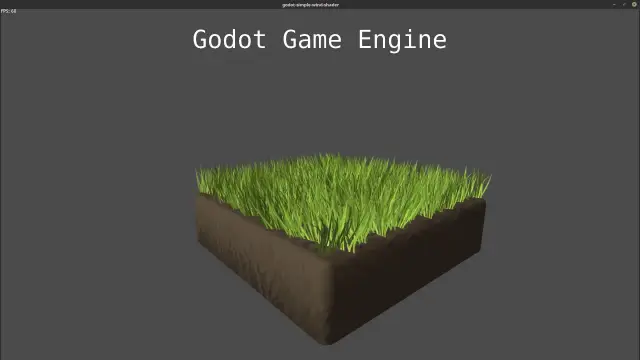
A simlpe shader that gives objects like grass or plants a wiggle/wind effect.Godot version 2.1 (3.0 planned)Demo Controls:Mouse + WASD or up/down/left/right key to move the camera. F1 to show/hide the frames/second.If you don't need the demo install only the shader folder or its content and follow the instructions:How to use the shader in your project:1. Copy the shader folder or at least its content somewhere into your project folder (See license details).2. Then open/select a mesh in godot and give the object a new ShaderMaterial if it haven't one. (Make sure that the mesh origion is on the right position see below: Shader parameters -> Height Offset ).3. Now go into the material settings and load one of the shaders that you have copied to your project folder.- "wind_shader.tres" is a version that is written in godots shading language. -"wind_shader_graph" is a version for the visual shader editor.4. Now you can add a texture to it and play with the shader parameters to get a nice result.Shader paramenters- Speed: The speed of the wind movement.- Strength: The strength of the wind movement.- Detail: The detail (number of waves) of the wind movement.- Direction: The direction of wind movement.- Height Offset: The height where the wind begins to move. By default 0.0, so everything over the object origin will have wind. (So make sure that you position the object on the right height or adapt it with this setting!)Issues/feature requests?:https://github.com/Maujoe/godot-simple-wind-shader/issuesChangelog:v1.0.1: - custom project icon