DynamicMinimap
An asset by SkooGamer
Install Asset
Install via Godot
To maintain one source of truth, Godot Asset Library is just a mirror of the old asset library so you can download directly on Godot via the integrated asset library browser
Quick Information


DynamicMinimap
A real-time circular minimap system for Godot 4 featuring:- 2D & 3D world tracking- Player rotation alignment- Edge clamping system- Icon system using Resources (Color or Texture2D)- Auto-registration via groups- Default icon presetsEasy integration for RPG, FPS and top-down games.
Supported Engine Version
4.6
Version String
1.1
License Version
MIT
Support Level
community
Modified Date
3 months ago
Git URL
Issue URL
DynamicMinimap System (Godot 4.x)


A real-time circular minimap system for Godot 4 featuring 3D world tracking, player rotation alignment, and edge clamping.
🆕 Version 1.1 Updates
- 🎨 Added icon system using the
IconTypefeature (Color or 2D Texture) - 📦 Added default preset icons (automatically loaded from the plugin folder)
- 🌍 Added 2D support (unified Node2D + Node3D system)
- 🧭 Player icon now supports direction rotation
- ⚡
- 📍 Objects now strictly depend on group names + IconType mapping
- 🎯 Priority rendering: Texture → Player Drawing → Color feature
- 🧠 Improved edge fixing system
- 🧩 Cleaner modular architecture for plugin use
🎨 Icon System (NEW v1.1)
The minimap now uses a Resource-based icon system.
Each tracked object is defined by an IconType, which connects:
- A group name
- A fallback color
- An optional Texture2D icon
⚙️ How it works
Every object MUST:
- Be added to a Godot Group (example:
enemy,item,player) - Have a matching
IconTypedefined in the minimap inspector
🧩 IconType Structure
type→ Group namecolor→ fallback color if no texture existstexture→ optional Texture2D icon
🎯 Render Priority
- Texture2D (if assigned)
- Player custom triangle icon
- Color fallback circle
📦 Installation
- Download or clone this repository
- Copy the folder into your project: res://addons/dynamic_minimap/
- Enable the plugin in: Project → Project Settings → Plugins
🚀 Usage
1. Add the minimap to your UI
Instance the minimap scene into your HUD: Minimap.tscn
2. Assign the player
In the inspector: player_node = YourPlayerNode
📍 Group System (UPDATE)
Grouping is now MANDATORY for tracking.
| Type | Group Name |
|---|---|
| Player | player |
| Enemy | enemy |
| Item | item |
Example:
add_to_group("enemy") to register the object.
⚙️ Settings (UPDATE v1.1)
Settings
player_node→ Player referenceradius→ Minimap sizeworld_scale→ World scale for the minimap
Behavior
clamp_to_border→ Keeps objects on the edge of the minimaprotate_with_player→ Rotates the minimap with the playerenabled_auto_register→ Scans groups automatically
Icons
icons→ IconType resource arrayicon_size→ Texture icon sizeuse_default_icons→ Loads standard built-in icons
Debug
show_debug→ Prints debugging information (missing player/groups)
🎯 How it works
- Converts the world's XZ position into a 2D minimap
- Supports Node2D and Node3D
- Applies player rotation compensation (optional)
- Scales using
world_scale - Fixes objects to the edge when enabled
- Dynamically renders icons based on the IconType system
- Uses group-based tracking for all entities
🧠 Notes
- Designed for top-down minimaps or RPG/FPS HUDs
- Works best with consistent world scale
- Optimized for runtime updates
📄 License
This project is licensed under the MIT License — see the LICENSE file for details.
👤 Author
Created by SkooGamer


👀 Preview

🎥 Video Demo
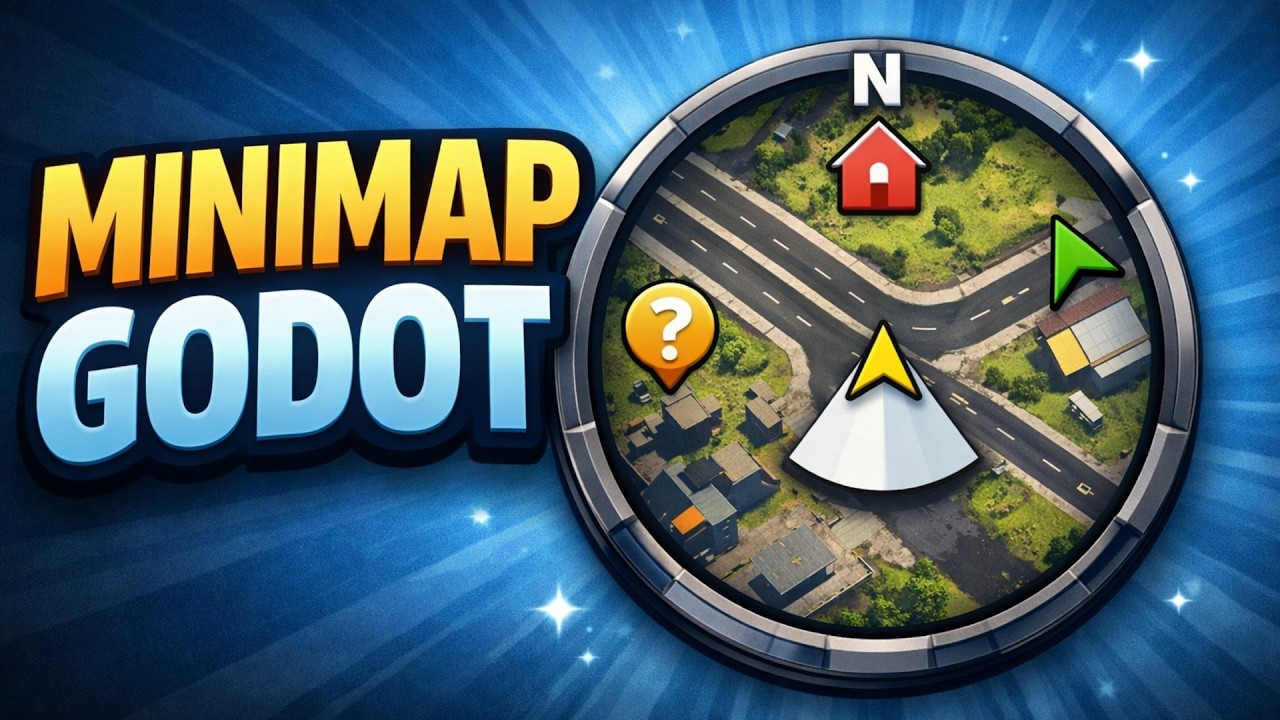
A real-time circular minimap system for Godot 4 featuring:
- 2D & 3D world tracking
- Player rotation alignment
- Edge clamping system
- Icon system using Resources (Color or Texture2D)
- Auto-registration via groups
- Default icon presets
Easy integration for RPG, FPS and top-down games.
Reviews
Quick Information
DynamicMinimap
A real-time circular minimap system for Godot 4 featuring:- 2D & 3D world tracking- Player rotation alignment- Edge clamping system- Icon system using Resources (Color or Texture2D)- Auto-registration via groups- Default icon presetsEasy integration for RPG, FPS and top-down games.
Supported Engine Version
4.6
Version String
1.1
License Version
MIT
Support Level
community
Modified Date
3 months ago
Git URL
Issue URL