Automatically create fully configured materials from your texture sets in literal seconds.Simply select multiple textures with matching names (Diffuse, Normal, Roughness, Metallic, and more), or import a ZIP containing your textures. The addon detects the map types, creates a new material and fills the correct texture slots for you automatically.Perfect for artists and developers working with large texture libraries, saving time and speeding up repetitive setup work.Feel free to donate if you find this useful!
This tool allows you to convert multiple textures into materials with the click of a button.It supports:- Batch Processing: Select 1, 10 or 100 textures. It all works.- Zero Configuration: Creates StandardMaterial3D resources with the texture assigned to the Albedo slot.Usage guide:1. Select your textures in the FileSystem.2. Ensure your textures are set to the 3D Texture preset in the Import tab.3. Go to Project -> Tools -> Create Materials from Textures.4. Click Create Materials from Textures.
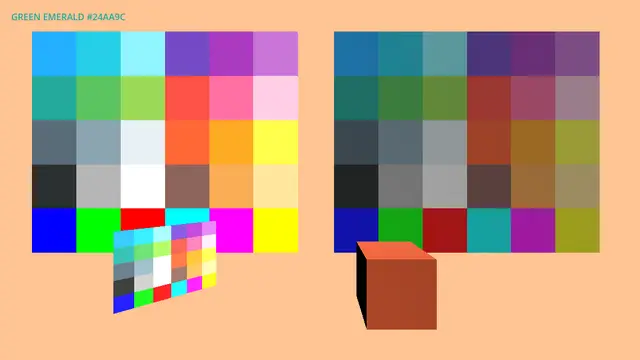
A set of grayboxing tools featuring a consistent color palette for use in your project. Inspired by the 36 colors from Open Blocks Color, this asset includes both lit and unlit materials, along with resources to support implementation in code. Designed with simplicity in mind, it offers a total of 72 color materials for efficient prototyping and is not expected to require frequent updates.
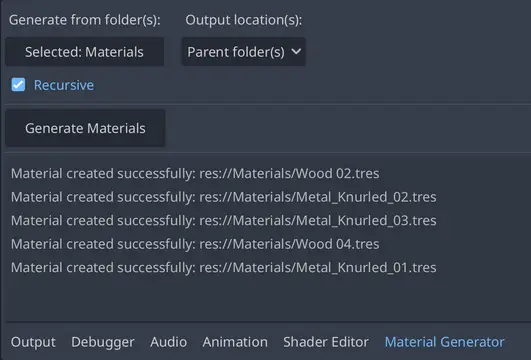
A Godot addon that automatically generates Materials (.tres) from folders of texture maps.
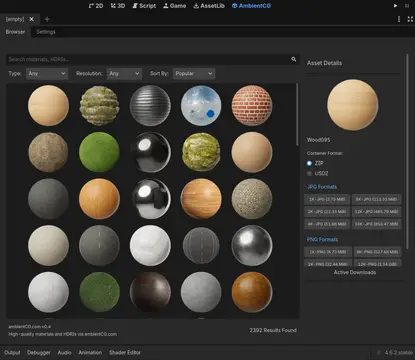
Search, download, and automatically import PBR materials and HDRI environments directly from ambientCG.com into the Godot Engine. The plugin handles ZIP/USDZ extraction and resource generation (.tres) automatically.
AmbientCG Downloader Godot Plugin For Godot 4.4+Downloads Files from AmbientCG.com and automatically populates StandardMaterial3D, 3D Environments.AmbientCG license: https://docs.ambientcg.com/license/
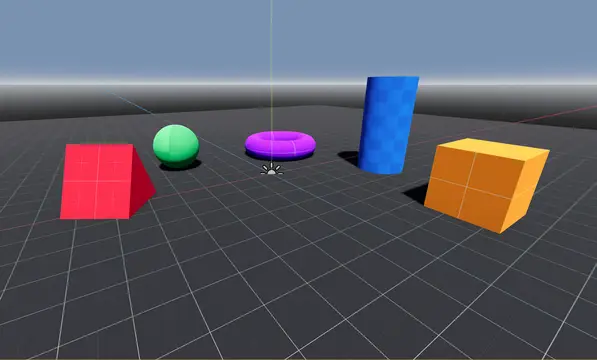
Selection of Kenney prototype textures, convenient materials and basic debug shapes to scatter around your scenes quickly. Not all Kenney textures are included to avoid clutter - just one from each color. Saves you some decision making!Also features an exclusive BLUE kenney texture :)
Prototype textures made by Kenny with addition of normal maps made by me :3
An atlas texture recoloring tool for doing partial recolors of KayKit, TinyTreats, and Kenney assets textures.
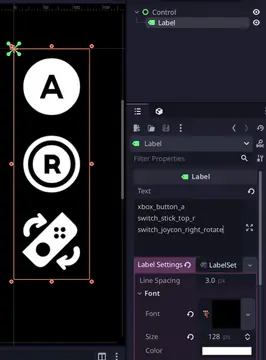
Turns Kenney's input prompt icons into a custom font for scalable display and text effects like outline. Check the GitHub repo's readme for more details.

A shell fur tool for Godot 4 that provides a robust, no-code approach to stylish fur and fur-like materials. Supports all currently available 4.X versions
Pre-packaged input prompts from Kenney for Godot. Includes all assets in two PNG resolutions as well as SVG versions.