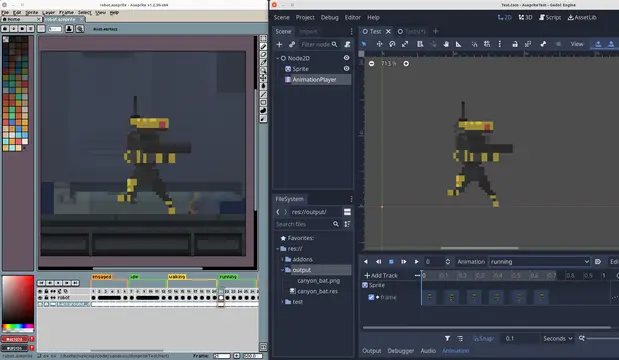
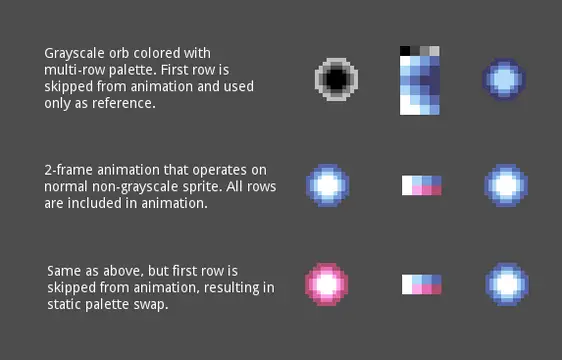
A freely inspired implementation of StateCharts for Godot 4. This plugin provides States composition (ie sub-States), regions (ie parallel States), Loops, Random States, and helper functions for animations, sound and timers. It is licensed MIT and written by atn.This version 4.5 allows you to use AnimatedSprites too for StateAnimation4.5.2: bugfix guard against non State children in _get_active_substate
A Camera addon for Godot.
EditorPlugin for managing PCK files. Adds an ExportPlugin to split the main PCK into smaller ones (e.g., for creating DLCs). Currently supports only PC platforms.Imprtant: You cannot have any dependencies from your main scene split into another PCK. All resources loaded on startup (e.g. translation files, autoload scripts, etc.) must be present in the main PCK and cannot be split.
Candy Wrapper is a Looping Arcade Action Platformer!- Leap through an infinite void!- Squish Sweets & Candies (;- 20 Levels of Screen-Wrapping Action!- Jam out to energetic beats <3Candy Wrapper was first created in under 24 hours during the "100 Lines of Code GameMaker Jam" of May 2018.Built with Godot 4.4.1Play on Windows, Linux, Mac and Web!Play the Sequel - WRAP IT UP - godotengine.org/asset-library/asset/3326
A SoftBody2D is defined by a set of RigidBody2Ds and Joint2Ds used to simulate it and a Skeleton2D used to deform the texture.You can create multiple types of softbodies with this plugin, such as:- Bouncy softbody- Breakable/Deformable softbody- Softbody with hole
SpriteMesh is a plugin for Godot that allows you to create 3D meshes based on a 2D sprite.
Godot Game Settings allows you to create and manage game settings for small to medium projects. It takes care of all the fundamental functionalities required to have proper game settings, including predefined logic for common settings (e.g. display, audio, input), UI components for making scenes, and saving/loading data.
This is a very simple template of a top-down 2D twin stick shoot-em-up.This includes:- Enemies- Player- Gun- Shaky Cam- Sound- Particle Effects- Things to collect- Revival
Plugin that allow you to add custom achievement to the game and display them in the UI.You can read "README" file in your downloaded repository or in GitHub page to learn how to use it.https://github.com/5FB5/gd-achievements
Godot 4 Main Menu TemplateThe default play scene features a movable white box controlled by Mouse.Perfect for prototyping or game jams, this template offers:-A straightforward start menu with Play, Options, and Quit buttons.-An uncomplicated options menu with three tabs:-Video: Fullscreen-Music: Master, Music, Sound Effects-A handy control testing scene (Simply hit Play in the start menu).For credits, refer to the GitHub repository.
A library of AI algorithms written natively in GDscript.Includes support for:1. Simple Neural Network and Neural Net2. Neural Network Advanced (Multi-Layered Neural Network) with SGD and ADAM optimisers3. Minimax Algorithm4. Q-Learning Algorithm (and SARSA)5. Deep Q-Networks (DQN) [Only for discrete action spaces]6. Convolutional Neural Networks (For Image recognition and processing)
This is an add-on for debug drawing in 3D and for some 2D overlays, which is written in C++ and can be used with GDScript, C++ or C#.= Features =3D:* Arrow* Billboard opaque square* Box* Camera Frustum* Capsule* Cylinder* Gizmo* Grid* Line* Line Path* Line with Arrow* Plane* Points* Position 3D (3 crossing axes)* Sphere* 3D TextOverlay:* Text (with grouping and coloring)Precompiled for:* Windows* Linux (built on Ubuntu 22.04)* macOS (10.15+)* Android (5.0+)* iOS* Web (Firefox is supported by Godot 4.3+)This addon supports working with several World3D and different Viewports.There is also a no depth test mode and other settings that can be changed for each instance.This library supports double-precision builds, for more information, see the Documentation -> Double Precision.= Examples and documentation =During installation, you can unpack the "examples_dd3d" folder and examine its contents or go to the online documentation via 'Project - Tools - Debug Draw - Open the Documentation'. A list of all functions is available in the documentation inside the editor.!! Restart the editor after installation! !!