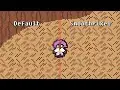
simplest functioning touch joystick with the flexibility of actions and signals.
Provides an interface for loading real world map imagery into Godot with optional caching to reduce network traffic.
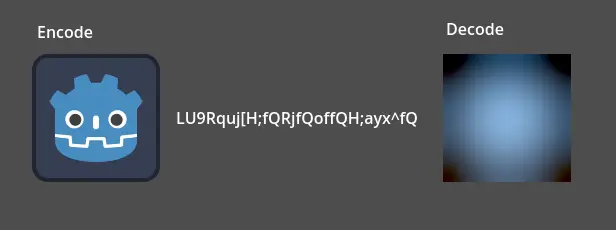
BlurHash encoder/decoder implementation in GDScript
A Rope Made Up Of Rigid Body 2D's That is Rendered Using A Line 2D.You Can Customize The Color,Width And Length.
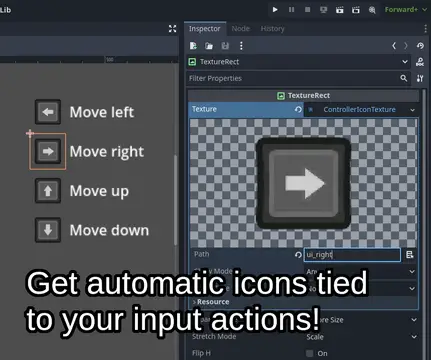
Provides icons for all major controllers and keyboard/mouse actions, with an automatic icon remapping system.* This version requires Godot 4.1.2 minimum.
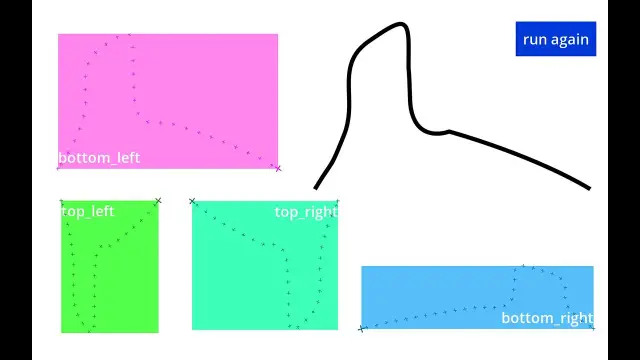
A Path2D with smoothing, and utilities for restricting it to any Rect2D
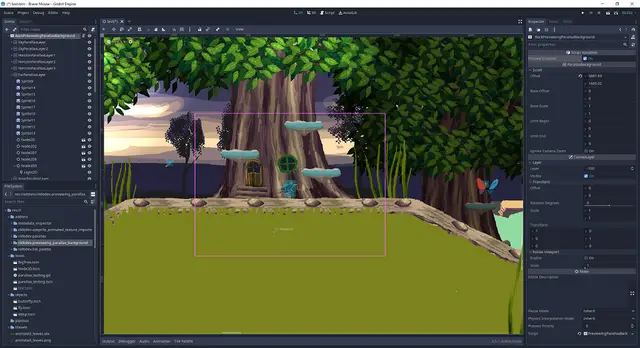
Provides parallax background that moves it's layers in editor.It helps to arrange objects in different layers relative to each otherThis is a port of the similar plugin from Godot 3.4.X to 4.X.X (https://godotengine.org/asset-library/asset/1535)
A variant of SubViewportContainer that provides a smooth camera and anti-aliasing for pixel-perfect games.
Onscreen Keyboard Plugin for Godot Engine. Displayed as soon as LineEdit or TextEdit are in focus. Select your OnscreenKeyboard object and apply your custom styles and font via inspector. (You can find some default dark-flat-like-styles inside the plugin/customize/styles folder)
TileBitTools is a Godot 4 plugin for autotile templates and terrain bit editing.- Built-in autotile templates for all 3 terrain modes* 3x3 minimal, 3x3 16-tile and 2x2 templates from Godot 3 documentation* Blob, Wang and Wang 3-terrain templates to match Tilesetter's default export* 256-tile Corners and Sides templates from TilePipe2 (requires plugin for use)* Simple 9- and 4-tile templates- Custom user template creation- Bulk terrain bit editing buttons: Fill, Set Bits, and Clear- Customization options in Project SettingsSee github.com/dandeliondino/tile_bit_tools for full Readme and Wiki documentation
The Smooth 2D Camera Controller gives you complete control over camera movement, delivering fluid gameplay experiences with minimal setup.⚙️ How to installDownload the .zip fileExtract the folder `addons` to the root folder of your projectOpen Godot Editor to edit your projectEnable `smartcamera2d` on Project Settings -> PluginsYou might also like:2D Top Down Shooter Template - https://andre-micheletti.itch.io/2d-top-down-shooter-engine-for-godot
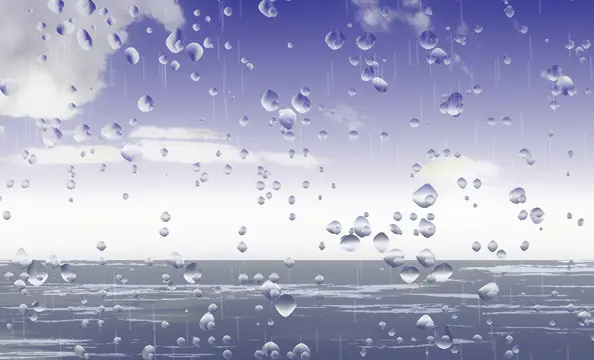
A variety of tools to help create cool weather effects quickly