A simple demo that shows how to use the Godot Touch Input Manager (GDTIM) and its capabilities.
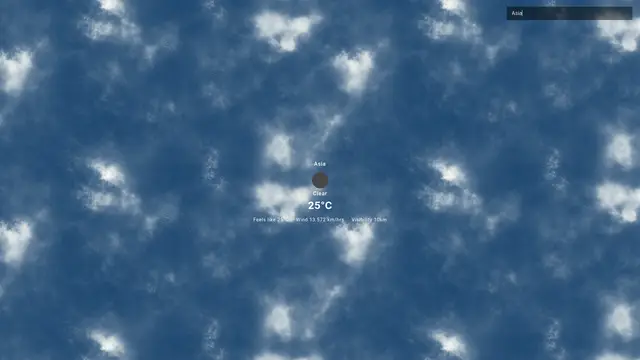
Add real-time weather features to your Godot 4 projects with the OpenWeatherMap API. It`s easy to use – just follow the structured URL for API calls and get current weather info like temperature, humidity, and wind speed for free.This is a project that shows you how to use the OpenWeatherMap API in Godot 4.If you want to create a weather app with a better UI design, you can watch this video: https://youtu.be/RvxLPOXMDXsYou can access the following data from this API response:Coordinates:- Longitude- LatitudeWeather:- Weather condition ID- Weather condition group- Weather condition description- Weather icon IDBase:- Internal parameter- Main Conditions:- Temperature- Feels like temperature- Atmospheric pressure at sea level- Humidity percentage- Minimum temperature- Maximum temperature- Atmospheric pressure at sea level- Atmospheric pressure at ground levelVisibility:- Visibility in metersWind:- Wind speed- Wind direction in degrees- Wind gustClouds:- Cloudiness percentageRain:- Rain volume for the last 1 hour where available- Rain volume for the last 3 hours where availableSnow:- Snow volume for the last 1 hour where available- Snow volume for the last 3 hours where availableTime:- Time of data calculation in Unix, UTCSystem Information:- Internal parameter type- Internal parameter ID- Internal parameter message- Country code- Sunrise time in Unix, UTC- Sunset time in Unix, UTCTimezone:- Shift in seconds from UTCCity Information:- City ID- City nameInternal Parameters- Internal parameter codefor more information, visit this page: https://openweathermap.org/currentYou can run this project in Godot 4.0, Godot 4.1, and Godot 4.2 as well.Please subscribe my channel: https://www.youtube.com/channel/UC8l-lYjEmIYoxvvIPmE4HPwKingGD stands for King Game Developer.
Click and drag to connect nodes with wires, and with the toggle option of allowing wires to cross, or if only horizontal and vertical directions are allowed Video here and below: https://youtu.be/WFjBl-ggJyoSee all my assets here: https://godotengine.org/asset-library/asset?user=ThinkWithGames
A working example of various Steamworks features using GodotSteam. These are based on the tutorials from our documentation which you can find here: https://godotsteam.comThis should work in any Godot 4 version but is built with Godot 4.0.3.The example project should also work, in part, with your game's app ID.
It is a basic Tic Tac Toe game made in Godot 4. You can play this game with both a human and an AI opponent.Video Tutorial: https://youtu.be/bTcfgFHbzB4KingGD stands for King Game Developer.Please subscribe my channel for more updates: https://www.youtube.com/channel/UC8l-lYjEmIYoxvvIPmE4HPw
Scales the subviewport only by integersAvoids those nasty non-square pixels by only scaling the subviewport with whole numbers.CreditsBackground by ansimuzhttps://ansimuz.itch.io/cyberpunk-street-environment
This project shows the basics for how to work with tile maps and tile sets (which includes hexgrids). This includes how to click on cells in a tilemap, and cycle through a cell's alternativesTilemap setup guide included in this video (I made this video) https://youtu.be/1qmXFIJU1QE
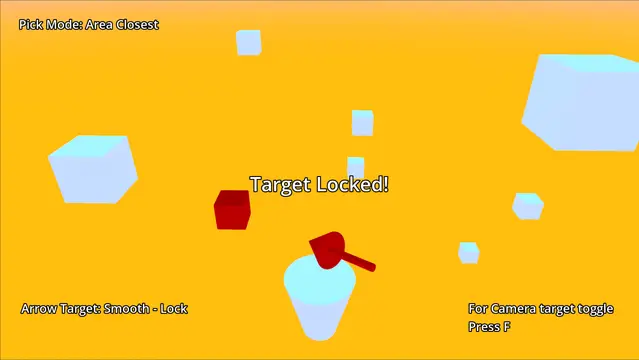
This is the 3D targeting system's demo project for Godot 4 game engine.This tool is based on 3D-Targeting-System-Ultimate for Godot 3.
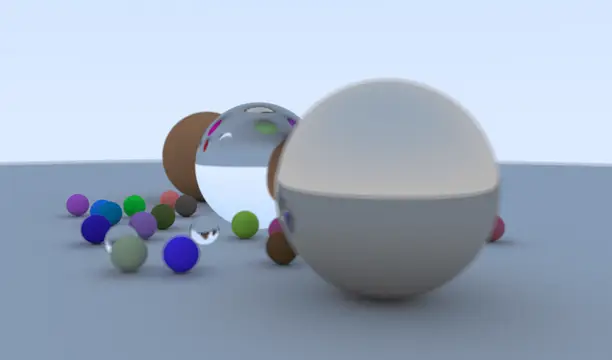
A shader-based PBR ray tracing demo. Real-time denoise and you can freely adjust the camera's transforms, lens aperture, fov and focal length.
For Godot 4. This is a demo of how to use JSON files to save and load.
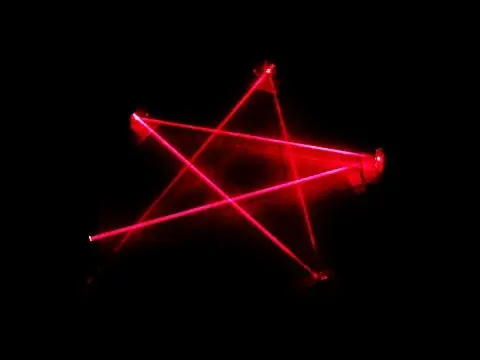
a reflecting laser in Godot 4.0can activate collisions
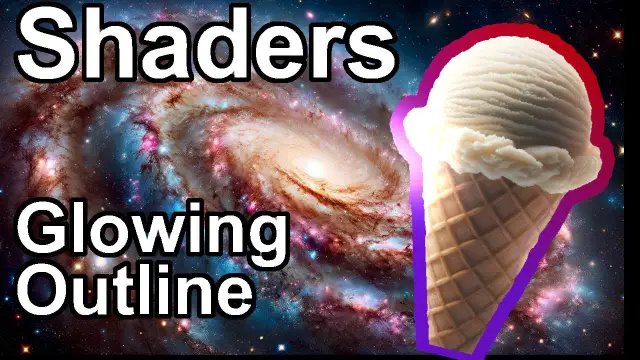
This demo shows a glowing outline and blur shader in Godot 4.Goes with this video here: https://youtu.be/LZwCtVmVDlESee all my assets here: https://godotengine.org/asset-library/asset?user=ThinkWithGames