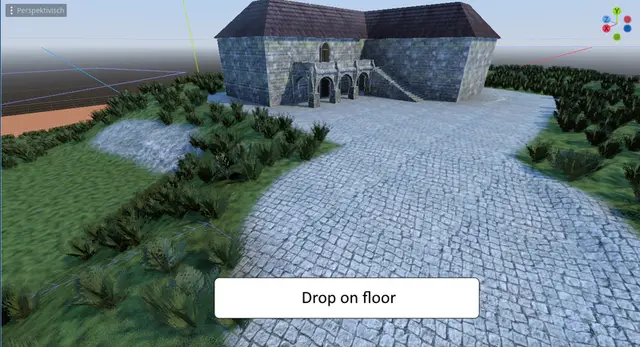
A tactical role-playing game demo for the Godot Engine
The Glow Boarder Effect Renderer contains shader setup with a glowing boarder effect for selected objects. The user can turn the glow border effect on and off and select glow color for individual objects.
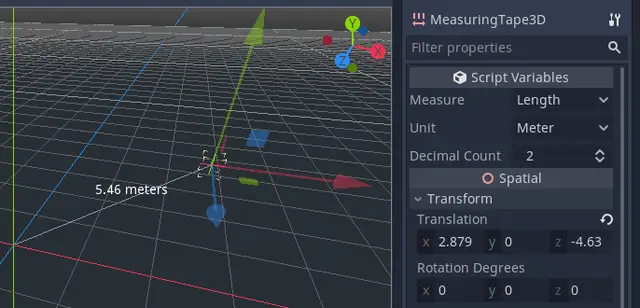
A tool for measuring things in Godot, using the positions of the measurement node and its parent node.These measurement types are supported:* Length* Area* Perimeter* Volume* Surface areaThese unit types are supported:* Meters* Millimeters* Centimeters* Kilometers* Hammer units (the Source engine's units).* Inches* Feet* Feet and inches* Yards* Miles* Light seconds* Light nanoseconds* Hectares (area)* Acres (area)* Liters (volume)* Gallons (volume)With 2D, you can set your own scale using pixels per meter, or PPI/DPI. The default is 100 pixels per meter, which correlates with Godot's default gravity setting, but if you are measuring UI elements you may wish to set to your DPI.
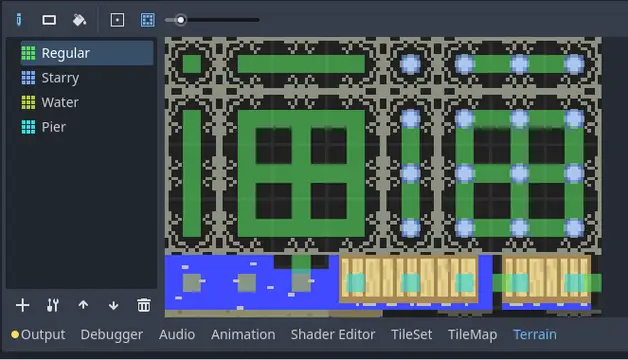
A replacement for Godot 4's TileMapLayer terrain system that allows for simpler, more flexible rules. It covers all features of Godot 3's autotiles, along with big improvements on Godot 4's rule system, and has a straightforward API for applying and updating terrains from code.
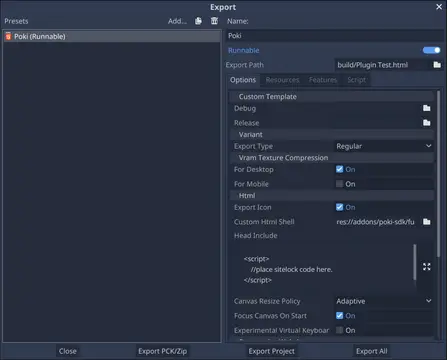
This plugin provides a web export preset and a gdScript wrapper for integrating with Poki Platform's SDK.
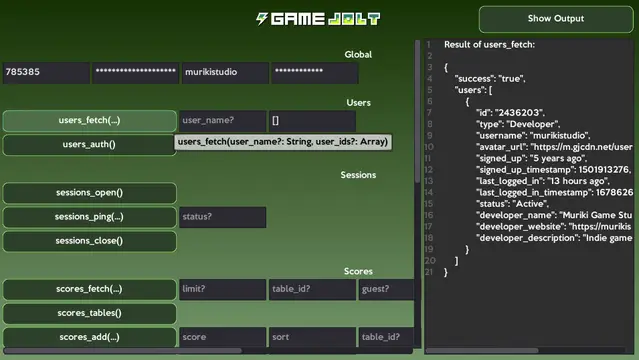
Wrapper for the Game Jolt API running through HTTP requests. It contains all Game Jolt API endpoints and aims to simplify its use where it's possible. Compatible with Godot 4.x.For examples of use, see the documentation on the repository. There's also an example scene in addons/gamejolt/example containing all endpoints and parameters on a graphical interface.
This plugin will add a "TimeEdit" node that allows you to easily select Time. It should work with mobile too.
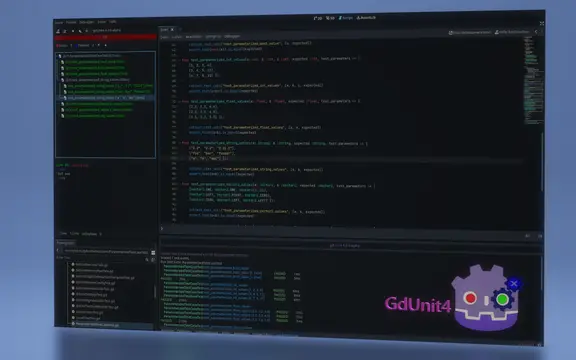
# GdUnit4 v5.0.3This version of GdUnit4 is build on Godotv4.4.1.stable.mono.official [49a5bc7b6]## Please read the following disclaimer carefully before proceeding! Before you install the new version, you have to disable the plugin and delete.- Deactivate the GdUnit4 plugin if you have installed- Uninstall the current GdUnit4 version (delete the folder res://addons/gdUnit4)- Restart Godot- Install this version and restart Godot- Activate the GdUnit4 pluginhttps://mikeschulze.github.io/gdUnit4/* Features* Support for writing and executing tests in GdScript or C#* Embedded test Inspector in Godot for easy navigation of your test suites* Convenient interface for running test-suites directly from Godot<br> One of the main features of GdUnit4 is the ability to run test-suites directly from the Godot editor using the context menu. You can run test-suites from the FileSystem panel, the ScriptEditor, or the GdUnit Inspector. To do this, simply right-click on the desired test-suite or test-case and select "Run Test(s)" from the context menu. This will run the selected tests and display the results in the GdUnit Inspector. You can create new test cases directly from the ScriptEditor by right-clicking on the function you want to test and selecting "Create TestCase" from the context menu.* Fluent syntax for writing test cases that's easy to read and understand* Configurable template for generating new test-suites when creating test-cases* Wide range of assertion methods for verifying the behavior and output of your code* Argument matchers for verifying that a function call was made with the expected arguments* Test Fuzzing support for generating random inputs to test edge cases and boundary conditions* Parameterized Tests (Test Cases) for testing functions with multiple sets of inputs and expected outputs* Mocking classes to simulate behavior and define output for specific functions* Spy feature for verifying that a function was called with the expected parameters* Mocking or spying on scenes to simulate behavior and verify that certain functions were called* Scene runner for simulating different kinds of inputs and actions, such as mouse clicks and keyboard inputs For example, you can simulate mouse clicks and keyboard inputs by calling the appropriate methods on the runner instance. Additionally, you can wait for a specific signal to be emitted by the scene, or you can wait for a specific function to return a certain value.* Automatic update notifier to install the latest version of GdUnit from GitHub* CI - Continuous Integration support * Command line tool for running tests outside Godot editor * Generates HTML report * Generates JUnit XML report* Public marketplace GitHub action to use in your own CI workflow [gdunit4-action](https://github.com/marketplace/actions/gdunit4-test-runner-action)* C# support by [gdUnit4Net](https://github.com/MikeSchulze/gdUnit4Net/blob/master/README.md) * Enables to run and debug on **Visual Studio**, **Visual Studio Code** and **JetBrains Rider** via [VSTest adapter support](https://github.com/MikeSchulze/gdUnit4Net/blob/master/testadapter/README.md)- You are welcome to test in and send me your feedback- You are welcome to suggest improvements- You are welcome to report bugs
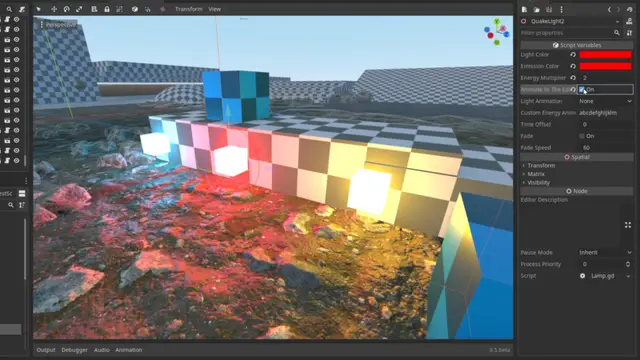
A modular, component-based system for creating animated lights in the Godot engine, inspired by the dynamic light animations of classic Quake and Half-Life games.Features- 11 Animation Presets: Includes predefined light animation tables from Quake.- Custom Animations: Supports user-defined animation strings.- Editor Previews: Preview animations directly in the Godot editor.- Smooth Transitions: Optional fade effect to reduce stepping.- Material Integration: Light animations affect the lamp material’s emission property.- Example Project: An example project is included to demonstrate setup and usage, providing a quick way to understand how to configure and combine components.
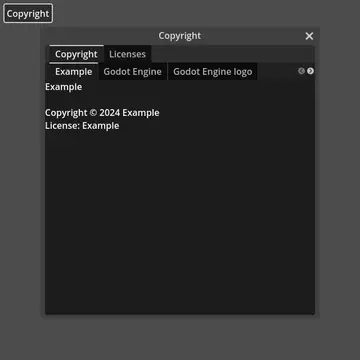
Adds a preset interface that shows an interactive list of all licenses. Custom licenses can be added through the GodotLicensing class.
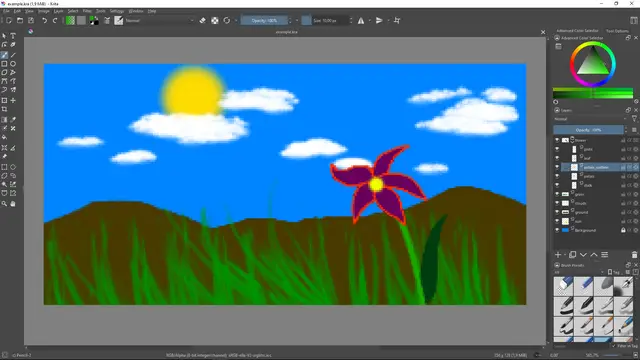
Plugin for Godot Engine to automatically import Krita KRA & KRZ-files.
Yet another multi mesh scatter.A simple MultiMesh plugin where you can place your meshes into your scene via a configurable polygon area.